
Z7 Game APK Guide: Android Safety, Compatibility & Security
12:59PM 10/12/2026
1mb-3mb
v4.2
Android and iOS
10M+

Description
Mobile applications distributed outside official app stores can raise several questions for Android users. Before downloading an unfamiliar application, it is important to understand how APK files work, which device requirements matter, and how to protect personal information. This guide to z7 game explains the technical aspects of third-party mobile applications, common installation problems, app permissions, and practical security checks that beginners should know before making a decision./
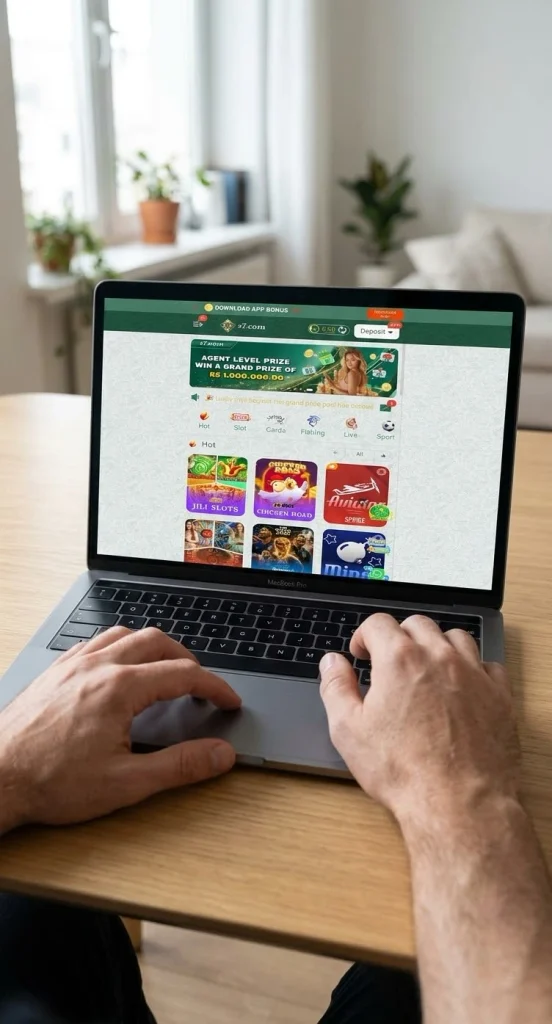
What Is an APK File?
APK stands for Android Package Kit. It is a file format used to distribute and install applications on Android devices. An m999 game contains the application components required for installation, although some apps may also need additional files or an internet connection to operate correctly.
Most Android users install applications through Google Play, where apps are distributed through a familiar interface. However, some developers also distribute Android application files through their websites or other platforms.
Understanding the difference between an official app-store installation and a third-party APK download can help users identify potential risks.
How Do APK Files Work?
An APK packages the components needed to install an Android application. When a user opens a compatible APK, Android checks the package and its signing information before allowing installation, subject to the device’s security settings.
The general process involves:
- Downloading: The APK file is transferred to the Android device.
- Verification: The device checks relevant package information and security requirements.
- Installation: Android places the application components on the device.
- Permission management: The application may request access to certain device features or personal information.
- Operation: The application runs locally and may communicate with online servers if its features require internet access.
An APK file is not automatically safe just because it installs successfully. A malicious or poorly maintained application may still create privacy and security risks.
What Should Android Users Check Before Installing an APK?
Before installing any application from outside an official store, users should assess the source, developer, device requirements, permissions, and available security information.
1. Check the Download Source
The download source is one of the first things to investigate. A website that offers an APK does not necessarily have permission to distribute it or guarantee that the file is authentic.
Look for the developer’s official website, consistent developer information, a clear privacy policy, and reliable contact details. Be cautious of websites that use misleading download buttons, excessive redirects, or unexpected file downloads.
HTTPS protects the connection between a browser and a website, but it does not prove that a downloaded application is trustworthy.
2. Confirm the Developer’s Identity
Check whether the developer can be independently identified. Compare the application name, package information, official website, and developer details where available.
Be particularly careful when a website offers several versions of the same app without explaining the differences. Modified APKs may contain changes that the original developer did not authorize.
3. Review Security Information
Android security tools can identify some potentially harmful applications, but no single scan can guarantee complete safety.
Useful checks include:
- Reviewing Google Play Protect warnings when available.
- Checking whether the developer publishes release notes or security updates.
- Looking for credible reports about suspicious application behavior.
- Comparing the APK’s cryptographic hash with a trusted value supplied by the developer, if available.
- Avoiding files flagged as malicious by reputable security services.
Do not dismiss a security warning simply because a website claims that its download is completely safe.
Is an APK Safe to Download?
The safety of an APK depends on its origin, contents, permissions, update history, and behavior. There is no reliable way to declare an unfamiliar file safe based only on its name or appearance.
A file may install correctly while still collecting unnecessary information, displaying deceptive advertisements, or communicating with untrusted servers.
The following comparison illustrates some common differences between download sources.
| Factor | Official app store | Developer’s official website | Unknown third-party website |
|---|---|---|---|
| Developer identification | Usually available | Should be verified | May be unclear |
| Security screening | Store checks apply | Depends on distribution process | Uncertain |
| Update process | Often integrated | May require manual checks | Can be inconsistent |
| File authenticity | Supported by store distribution | Requires source verification | Difficult to establish |
| Overall risk | Not risk-free | Depends on the developer | Often harder to assess |
Official stores also contain applications that may have privacy or security problems. Nevertheless, they generally provide a more structured distribution and update process than an unfamiliar download website.
Warning Signs of a Potentially Unsafe APK
Stop and investigate if you notice any of the following:
- The website requests unrelated personal information before allowing a download.
- The file has a misleading extension or unexpected name.
- The application asks for accessibility access without a clear reason.
- The app requests access to contacts, SMS, microphone, or location without an obvious need.
- The download page promises guaranteed financial returns or unusually easy earnings.
- The application asks you to disable important security protections.
- The developer has no verifiable identity or privacy information.
These warning signs do not independently prove that a file is malicious, but they are reasons to avoid proceeding until the concerns are resolved.
Android Compatibility and Device Requirements
Device compatibility determines whether an application can operate correctly on a particular phone or tablet. Even a legitimate APK may fail to install or perform poorly if the device does not meet its requirements.
Android Version
Applications are designed to support particular Android versions. An app built for a newer Android release may not work on an older device. Conversely, an old application may rely on outdated components or no longer receive security updates.
Check the minimum Android version documented by the developer before installing an application.
Available Storage
An APK’s download size does not necessarily equal the total storage required. The installed application may occupy additional space, and updates or temporary files may increase storage use.
Keep sufficient free space for installation and normal device operation.
Processor Architecture
Android devices use different processor architectures, commonly ARM-based architectures such as ARM64. Some APKs are designed for particular architectures, while others include support for several.
An incompatible package may produce an installation error even when the Android version is supported.
Internet Connection
Some applications work mainly offline, while others depend on online services. Network interruptions can cause loading errors, incomplete content, or failed login attempts.
A stable connection can help with troubleshooting, but it cannot resolve server outages or incompatibility problems.
APK Installation Guide: Understanding the Process
Installing an APK from outside an official store involves additional responsibility because the user must verify the file and its source.
For unfamiliar applications, the safer option is to find the legitimate developer listing in an official store whenever possible.
If you are evaluating an APK from a source you have independently verified, understand these general installation considerations before proceeding.
Step 1: Verify the File
Confirm that the file comes from the developer’s legitimate distribution channel. Review available documentation, the application’s identity, and any security warnings.
Do not install a file solely because a search result or social media post recommends it.
Step 2: Check the File Type
A standard APK usually ends in .apk. Some applications are distributed in other formats, such as Android App Bundles or split APK packages, which may require a different installation method.
An unexpected file extension can indicate a misleading download or an incorrect file.
Step 3: Review Android’s Security Prompt
Android may require permission for a particular app, such as a browser or file manager, to install unknown applications. This is commonly described as allowing installation from that source.
Allowing this capability does not verify the downloaded file. It only changes whether that source can initiate installations.
Avoid enabling installation permissions for sources you do not trust, and review the setting afterward.
Step 4: Read Permission Requests
Review any permissions requested during or after installation. Android may provide different permission prompts depending on the operating system version and application features.
Decline optional access that is unnecessary for the app’s intended purpose.
Step 5: Monitor the Application
After installation, observe whether the application behaves as expected. Unexpected advertisements, unexplained data use, repeated security alerts, or requests for unrelated permissions warrant investigation.
If the app appears suspicious, stop using it and remove it.
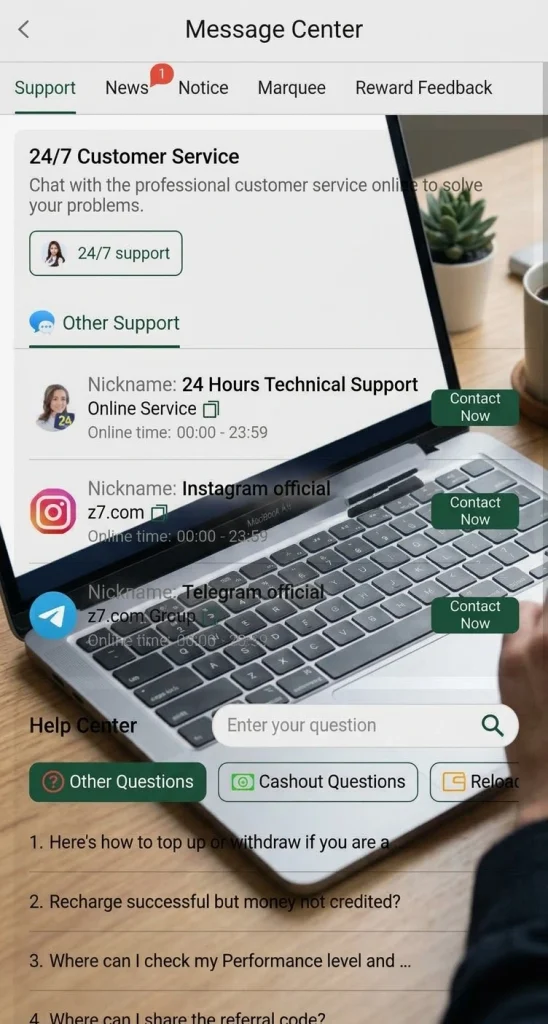
Understanding App Permissions and Privacy
App permissions determine which device features and categories of information an application can access. Appropriate permissions depend on the app’s actual functions.
For example, a navigation application may reasonably need location access, while a simple calculator generally has no clear reason to access contacts or SMS messages.
Common Android Permissions
| Permission | Possible legitimate purpose | What to consider |
|---|---|---|
| Location | Maps and navigation | Prefer access only while using the app when sufficient |
| Camera | Photography or scanning | Check why the feature needs the camera |
| Microphone | Voice communication | Deny access if voice features are unnecessary |
| Contacts | Contact selection or communication | Consider whether access to the entire address book is needed |
| Photos and files | Selecting or saving content | Use limited photo access where available |
| Notifications | Alerts and reminders | Disable unnecessary notifications |
| Accessibility | Assistive features or specialized controls | Treat unexplained requests as a serious warning sign |
Permissions can change over time, and Android’s controls vary by version.
How to Protect Personal Information
Use these practical privacy measures when evaluating any mobile application:
- Use a unique password for each important account.
- Enable two-factor authentication where supported.
- Avoid entering banking credentials into unfamiliar applications.
- Never share one-time passwords or verification codes with an app operator or another person.
- Review the app’s privacy policy to understand what data may be collected and shared.
- Limit optional permissions through Android settings.
- Avoid connecting personal accounts unless the connection is necessary and trustworthy.
- Keep Android and installed applications updated.
- Remove applications that you no longer need.
A privacy policy is useful only if it accurately describes the application’s actual behavior. Its presence alone does not guarantee responsible data handling.
App Performance: Why Do Some APKs Run Slowly?
Performance issues can result from limited device resources, software incompatibility, network problems, or poorly optimized application code.
Common symptoms include slow loading, unexpected crashes, overheating, battery drain, and excessive mobile data usage.
Common Performance Problems and Possible Causes
| Problem | Possible cause | What to check |
|---|---|---|
| Application will not install | Unsupported Android version or incompatible package | Compare the device requirements and package details |
| App closes unexpectedly | Software bug or insufficient resources | Restart the device and check for legitimate updates |
| Login fails | Network issue or server problem | Check the connection and official service status |
| Pages load slowly | Weak connection or server congestion | Test another trusted online service |
| Battery drains quickly | Background activity or inefficient code | Review battery usage in Android settings |
| Device storage decreases | Cache or downloaded files | Review storage usage and remove unnecessary files |
| App requests repeated updates | Outdated version or questionable distribution source | Verify updates through the developer’s official channel |
Clearing an application’s cache can sometimes resolve loading problems, but it will not fix a malicious file or an unsupported device. Clearing application data may remove locally stored settings or sign-in information, so check what will be deleted before doing so.
Do not download a different APK from an unknown website simply because the original application is experiencing problems.
Mobile App Security: Updates, Scanning, and Monitoring
Mobile app security is not a one-time task. Developers may discover vulnerabilities after an application has been released, and attackers may distribute modified versions that look similar to legitimate software.
Keep Software Updated
Install Android security updates when available and use current versions of applications from trusted sources. Updates can include vulnerability fixes, compatibility improvements, and changes to privacy controls.
For third-party applications, confirm that updates genuinely originate from the developer. An update notification from an unknown website should not automatically be trusted.
Use Built-In Security Features
Google Play Protect can scan applications and warn about certain harmful behavior. Keep relevant security features enabled and take warnings seriously.
Security scanning has limitations. A clean scan is not proof that an app has no vulnerabilities, collects no unnecessary data, or comes from an authentic developer.
Watch for Suspicious Behavior
Pay attention to unexplained account activity, unusual data consumption, repeated permission requests, or security alerts.
If you suspect that an application is unsafe:
- Stop using the application.
- Revoke unnecessary permissions.
- Uninstall it if appropriate.
- Run a security scan using trusted tools.
- Change affected account passwords from a trusted device if credentials may have been exposed.
- Contact your bank or payment provider through its official channel if financial information may be compromised.
If the application cannot be removed normally, or suspicious activity continues, seek help from a trusted device-support professional.
Financial and Legal Considerations for Casino-Style Applications
Applications described as casino games may involve virtual entertainment, simulated gambling, real-money gambling, or a combination of features. These categories are not equivalent, and the distinction matters when evaluating risks.
Before interacting with any application that involves deposits, withdrawals, prizes, or betting, consider the following:
Understand the financial model. Read the terms to determine whether real money is involved, whether fees apply, and whether advertised features have restrictions.
Check local laws. Rules concerning gambling and online betting vary by jurisdiction. Do not assume that an application is legally authorized merely because it is accessible online.
Protect payment information. Avoid submitting card details, bank credentials, identity documents, or payment codes to unverified services.
Understand withdrawal conditions. A displayed balance or promotional claim does not establish that funds can be withdrawn. Review the relevant terms and independently verify the operator.
Avoid unrealistic promises. Claims of guaranteed winnings, risk-free profits, or effortless income are not reliable evidence of legitimacy.
Consider age restrictions. Real-money gambling services may be restricted to adults and may be prohibited in particular locations. Users should follow applicable age requirements and local laws.
No application name, download count, or online review can guarantee financial safety.
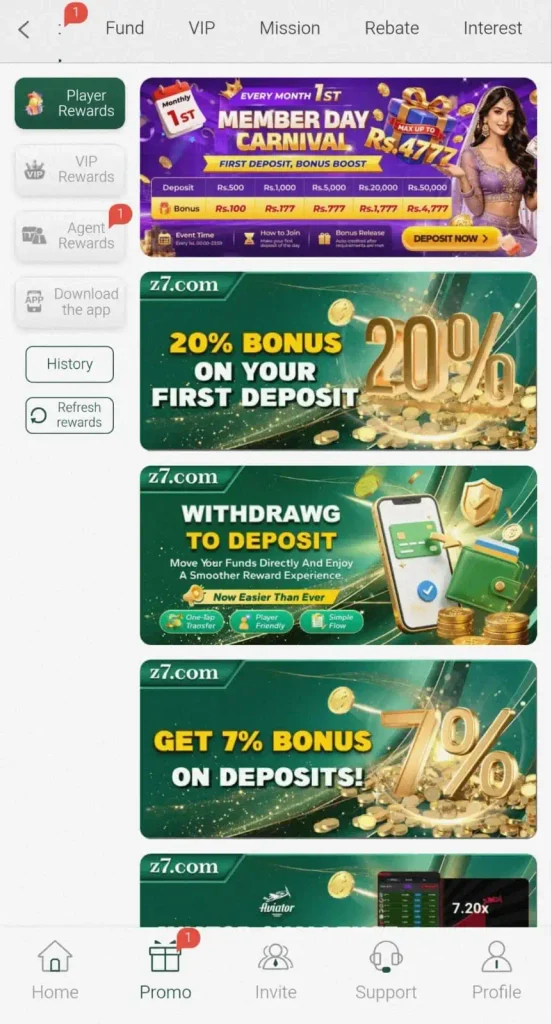
APK Files vs. Official App Store Downloads
Choosing an installation method is an important part of managing device security.
| Feature | Official app-store download | Third-party APK |
|---|---|---|
| Installation process | Usually straightforward | May require additional steps |
| Developer verification | Store-level checks may be available | Must be independently assessed |
| Updates | Often managed by the store | May require manual verification |
| Compatibility information | Usually presented on the listing | May be incomplete |
| Risk of modified files | Possible but mitigated by distribution controls | Can be harder to evaluate |
| Recommended approach | Preferred when a legitimate listing exists | Use caution and verify authenticity |
The important difference is not simply whether an application is an APK. Official Android installations also use APK-based packages internally. The more useful question is whether the file comes from a trustworthy source and whether the application is appropriate for your device and needs.
A Practical Safety Checklist Before Installing Any APK
Use this checklist to organize your assessment.
- I can identify the developer and verify the download source.
- The application has clear and reasonable device requirements.
- I have reviewed available security information.
- The requested permissions match the app’s stated functions.
- I understand the privacy policy and data collection practices.
- My Android device and security software are up to date.
- I have considered local legal requirements and age restrictions.
- I understand any payment terms before sharing financial information.
- I know how to uninstall the application and secure affected accounts if needed.
If several important checks cannot be completed, the safer decision is to avoid installing the application until reliable information becomes available.
Frequently Asked Questions
1. What is an APK file on Android?
An APK is an Android application package used to distribute and install software. It contains application components needed for installation, although additional resources or an internet connection may also be required.
2. Is every APK file safe?
No. APK files can contain legitimate software, modified applications, or malicious code. Safety depends on the source, authenticity, permissions, behavior, and maintenance of the application.
3. Can an APK damage my phone?
A malicious or poorly designed application can create security and privacy problems. Depending on its capabilities and the device’s protections, it may attempt to collect information, misuse permissions, or perform unwanted activities. Keeping Android updated and avoiding untrusted downloads reduces risk but does not eliminate it.
4. Why does Android block an APK installation?
Android may block installation because the package is incompatible, the file is incomplete, its signing information is invalid, a security restriction applies, or the application has been identified as potentially harmful.
Read the warning carefully instead of automatically bypassing it.
5. How can I check whether an APK is genuine?
Use the developer’s verified distribution channel, compare package and signing information where possible, and check a cryptographic hash against a trusted developer-provided value. Security scanning can provide additional information, but no single test guarantees authenticity or safety.
6. What are app permissions?
App permissions control access to features and information such as location, camera, microphone, contacts, and photos. Grant access only when it is reasonably necessary for the application’s intended functions.
7. Does a clean security scan guarantee that an app is safe?
No. Scanners may not detect every threat, and a legitimate application can still have weak privacy practices or vulnerabilities. Source verification, permission reviews, and ongoing monitoring remain important.
8. Why is an APK incompatible with my Android phone?
Possible reasons include an unsupported Android version, an incompatible processor architecture, a corrupted file, or an application package that requires a different installation method.
9. Should I disable Android security features to install an app?
No. Disabling important protections simply to install an unfamiliar application can increase risk. Investigate the warning and seek a legitimate, compatible version from a trusted source instead.
10. What should I do if I already installed a suspicious APK?
Stop using it, revoke unnecessary permissions, and uninstall it if appropriate. Run a trusted security scan. If you entered passwords or financial details, secure the affected accounts from a trusted device and contact the relevant provider when necessary.
11. Can an APK collect personal information?
Yes, depending on its permissions, implementation, and access to online services. An application may collect information that users submit directly or data available through permitted device features. Review its privacy policy and restrict unnecessary access.
12. Are casino-style mobile applications legal everywhere?
No. Gambling and online betting laws vary by location, and some services may be restricted or prohibited. Users should verify local requirements and the operator’s legal status before considering any real-money activity.
Final Thoughts
Understanding Android application files, device compatibility, app permissions, and mobile app security helps users make more informed decisions before installing third-party software.
The safest approach is to verify the developer, prefer trusted distribution channels, read security warnings, limit unnecessary permissions, and avoid sharing sensitive information with unverified services. Performance claims and positive reviews should not replace independent checks.
Whether evaluating a casino-style application or any other Android program, treat installation as a security decision rather than a routine download. If the application’s source, privacy practices, or financial terms cannot be verified, avoiding the installation is the more cautious option.