M999 Game APK Guide: Features, Safety & Android Compatibilit
11:52PM 10/11/2026
7.04MB
v2.3
Android and iOS
100K+

Description
Mobile applications are available in many formats, and Android users often encounter third-party apps that are distributed outside the Google Play Store. Anyone researching the m999 game should understand how APK files work, what device requirements matter, and which security checks to complete before installing an unfamiliar application. This guide explains the basics in simple English so beginners can make informed decisions about mobile bba566 game security and safe app usage.
Before installing any third-party app, remember that an attractive interface or a professional-looking website does not prove that the software is trustworthy. Users should review the app’s source, permissions, privacy policy, and applicable local laws before deciding whether to use it.
What Is an Android APK File?
APK stands for Android Package Kit. It is the file format Android uses to distribute and install applications.
An APK package may contain the application code, resources, assets, and information Android needs to install the software. APK files are commonly distributed through app developers, official websites, and other software distribution platforms.
How APK Files Work
When an Android device installs an APK, the operating system checks the package and processes the application for use. Depending on the package and device settings, installation may succeed or fail.
An APK file can include:
- Application code and resources.
- Information about the app’s package name.
- Version and compatibility details.
- Permissions the application requests.
- A digital signature used to verify the package’s integrity and publisher identity.
A valid signature helps establish whether an installed package matches a signed version. However, it does not automatically establish that the app is safe or that its developer is trustworthy.
APK Files Compared With Google Play Apps
Android applications can be installed through different distribution methods. Each method has advantages and limitations.
| Factor | Google Play installation | Third-party APK |
|---|---|---|
| Download source | Google Play Store | External website or distributor |
| Distribution checks | Subject to Play policies and available security checks | Depends on the source and verification process |
| Updates | Usually managed through Google Play | May require manual updates |
| Compatibility information | Often displayed on the store listing | May be incomplete or difficult to verify |
| Security considerations | Still requires careful app and permission review | Requires additional source and file verification |
Neither distribution method eliminates every risk. Users should assess the specific application rather than assuming that its distribution method guarantees safety.
M999 Game Features and User Interface: What Should Beginners Check?
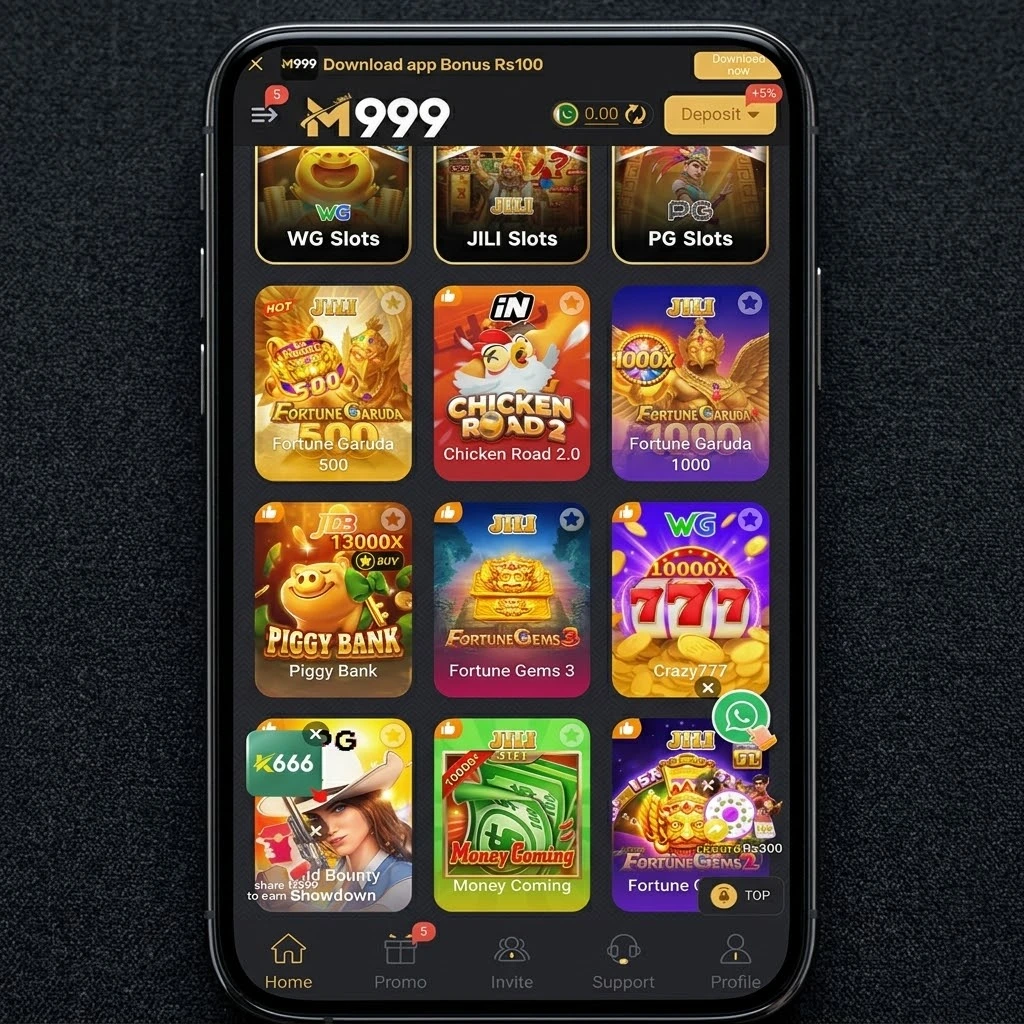
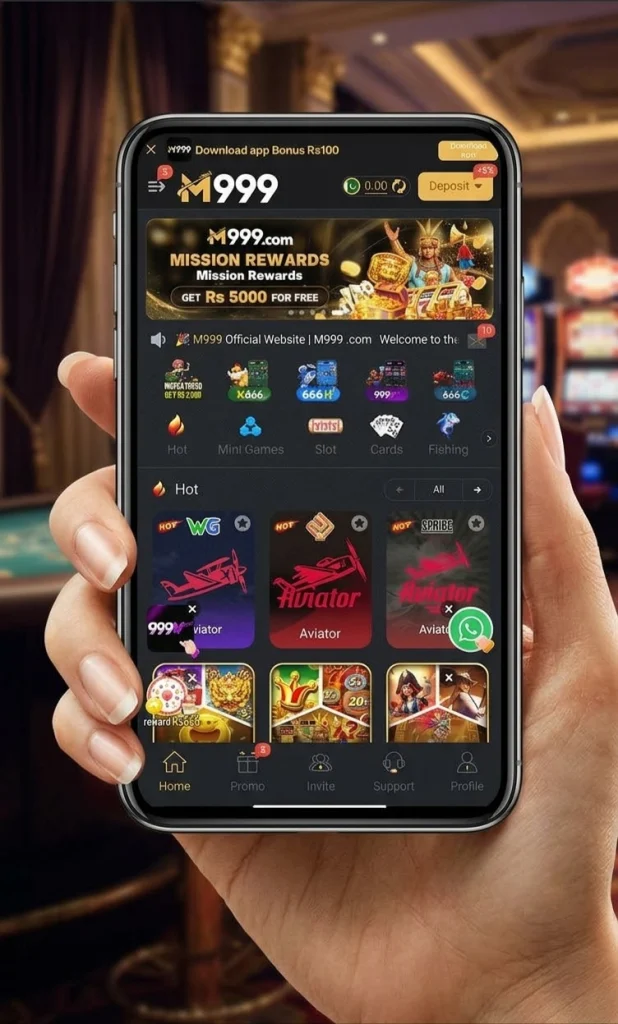
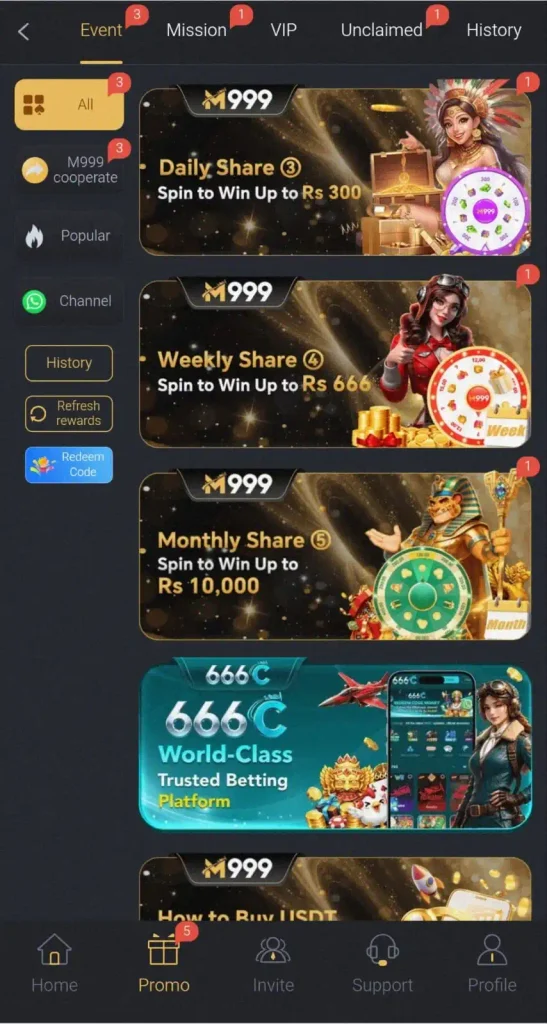
When researching an unfamiliar mobile casino-style application, users should separate verifiable features from promotional claims. Without a verified app package or trustworthy official documentation, specific features of an application cannot be confirmed.
The following points explain what to examine when reviewing an app.
1. Navigation and Layout
A clear interface should make important sections easy to identify. Menus, settings, account controls, and help information should be accessible without confusing redirects.
Look for:
- Readable text and clearly labelled buttons.
- Consistent menus and navigation.
- Accessible privacy and account settings.
- A visible support or complaint process.
- Clear information about the developer or operator.
An attractive design is useful, but it should not replace proper security checks.
2. Performance and Responsiveness
Application performance depends on the software, Android version, available memory, storage space, and network connection.
When reviewing an app, consider whether its documented requirements match the device. Be cautious if a website promises that an application works perfectly on every Android smartphone.
3. Account and Privacy Controls
Before providing personal information, check whether the application explains how it collects, stores, and shares user data.
Important questions include:
- Is there a clear privacy policy?
- Does the app explain why it requests personal information?
- Can users manage their account settings?
- Is the operator’s identity independently verifiable?
- Are support and complaint procedures clearly described?
Avoid providing identity documents, banking credentials, or other sensitive information to an unverified operator.
Android Device Compatibility and Technical Requirements
An APK may not work on every Android smartphone. Compatibility depends on several technical factors, and the requirements of a particular application should be confirmed through reliable documentation.
Android Version
Some applications require a minimum Android version because they use newer operating-system features. Older devices may not support these requirements.
Check the minimum Android version stated by the verified developer. Do not assume that a file is compatible simply because it can be downloaded.
Processor Architecture
Android devices may use different processor architectures, such as ARM-based architectures. An APK built for an incompatible architecture may fail to install or operate correctly.
Some applications include support for multiple architectures, while others provide separate packages.
Storage and Memory
An application needs enough available storage for installation, updates, and temporary files. It may also require sufficient memory to run smoothly.
Before installing unfamiliar software:
- Check available device storage.
- Review the application’s published requirements.
- Keep Android and important security updates current.
- Avoid deleting security tools to make an app run.
- Do not disable device protections merely to bypass an installation warning.
Internet Connection
Some mobile applications require an internet connection for account functions or online content. Connection problems may cause loading failures, interruptions, or incomplete updates.
A stable connection can help with ordinary troubleshooting, but it cannot resolve an application that is incompatible or unsafe.
APK File Installation: Requirements and Safety Checks
Installing an APK from outside an official app store involves additional risk. The safest starting point is to look for the application through a recognized app store or another independently verifiable, authorized source.
Step 1: Identify the Developer
Search for the developer’s official website and independently verify its identity. Check whether the website provides consistent contact information, documentation, and a privacy policy.
Be cautious of copied branding, misspelled domain names, and pages that imitate well-known services.
Step 2: Verify the File Source
Do not download an APK from an unknown link simply because a search result describes it as the latest version.
Check whether the file is distributed by the actual developer or an authorized distributor. If the publisher provides a cryptographic hash, compare it with the downloaded file using a trusted tool.
A matching hash confirms that the file matches the referenced file; it does not prove that the original file is harmless.
Step 3: Review Permissions
Android permissions determine what an application can access or do. The permissions requested should be relevant to the app’s stated purpose.
For example, a simple entertainment app generally needs a clear explanation for requesting access to contacts, SMS messages, accessibility services, or extensive device controls.
Treat requests for unrelated permissions as a warning sign.
Step 4: Check Security Warnings
Google Play Protect and other Android security features can help identify potentially harmful applications.
Do not ignore a malware warning or turn off security protections to install an unfamiliar package. If an app is flagged, stop and investigate the warning rather than assuming it is a false positive.
Step 5: Review the Privacy Policy
Read how the operator handles personal information, device data, payment information, and account records.
A privacy policy should identify the responsible organization and explain relevant data practices. Its existence alone is not proof of trustworthy behavior.
Mobile App Security: Warning Signs to Recognize
Third-party applications may expose users to privacy problems, malicious software, financial loss, or account compromise.
The following warning signs deserve particular attention.
Suspicious Download Websites
Avoid websites that use repeated redirects, misleading download buttons, unexpected file extensions, or instructions to install unrelated applications.
A website’s HTTPS connection protects data in transit but does not prove that the website or its APK is legitimate.
Excessive Permission Requests
An application may collect more information than necessary for its advertised purpose. Review permissions carefully and deny unnecessary access when possible.
If the app cannot operate without unrelated or highly sensitive permissions, reconsider using it.
Unverified Payment Claims
Applications that involve money require additional scrutiny. Claims about guaranteed profits, effortless withdrawals, or risk-free rewards should not be accepted without evidence.
Before considering any financial transaction, independently verify the operator, terms, fees, withdrawal conditions, and applicable laws. Never share an OTP, password, PIN, or banking credentials with an unknown person.
Missing Developer Information
An application with no verifiable publisher, unclear terms, copied descriptions, or no meaningful support process is difficult to assess.
Do not treat user reviews or screenshots as conclusive evidence. Reviews can be manipulated, outdated, or unrelated to the file being downloaded.
Common APK Installation and Performance Problems
Android users may encounter several problems when working with APK files. The cause is not always obvious, so troubleshooting should begin with basic checks rather than weakening security settings.
| Problem | Possible reason | Recommended action |
|---|---|---|
| App will not install | Incompatible Android version or package | Check the official compatibility requirements |
| Installation is blocked | Security warning or device policy | Review the warning and verify the source |
| App crashes repeatedly | Software bug or insufficient resources | Update Android and use a verified app version |
| Download fails | Network issue or unavailable source | Check the connection and publisher’s official site |
| App cannot update | Package conflict or different signing certificate | Verify the publisher and installed version |
| App requests unusual access | Unclear design or potentially unsafe behavior | Deny unnecessary access and investigate further |
Why Does Android Say “App Not Installed”?
This message can appear when an APK is incompatible, damaged, improperly packaged, or signed differently from an existing installation.
It may also appear when the device lacks sufficient storage. Check the file’s authenticity and the official system requirements before taking further action.
What Should You Do if an App Behaves Suspiciously?
If an unfamiliar app begins showing unusual advertisements, requesting unexpected permissions, or redirecting you to suspicious websites, stop interacting with it.
Review its permissions and remove it if appropriate. Run an available security scan and change any credentials that may have been exposed. If financial information may be compromised, contact the relevant bank or service provider through its official contact channels.
Comparing Third-Party APKs With Safer Alternatives
Not every user needs a third-party APK. Depending on the purpose, an established app store, a browser-based service, or an offline entertainment application may offer a more suitable option.
| Option | Potential advantages | Limitations |
|---|---|---|
| Official app store | Established distribution process and update support | Individual apps still require review |
| Verified developer website | Direct access to publisher documentation | Users must verify the website and file |
| Browser-based service | May avoid installing a separate application | Website privacy and security still matter |
| Offline entertainment app | May need less personal information and no account | Features may be more limited |
| Open-source application | Code may be available for independent review | Reviewing the code requires technical knowledge |
The most suitable option depends on the intended use, the developer’s credibility, privacy requirements, and device compatibility.
For users mainly interested in casual entertainment, offline puzzles, strategy games, and other non-monetary games can provide alternatives without the financial risks associated with casino-style services.
Responsible and Legal Considerations in Pakistan
Users in Pakistan should consider local laws and the specific nature of an application before accessing it.
An app’s availability online does not establish that its activities are legal, regulated, or protected by consumer safeguards. Casino-style services involving real money may raise legal concerns, and the applicable rules can depend on the activity and jurisdiction.
Before using a service, verify its legal status through reliable official sources. Do not rely solely on statements made by the app operator or promotional websites.
Users should also avoid risking money they cannot afford to lose. Digital payment interfaces and virtual balances do not guarantee that funds can be recovered or withdrawn.
Best Practices for Safe Android App Usage
Good security habits reduce avoidable risks when downloading or using mobile applications.
- Download software from trusted, independently verified sources.
- Keep Android and security updates current.
- Use a screen lock and a unique password for important accounts.
- Enable available security protections, including Play Protect.
- Review app permissions periodically.
- Avoid installing modified or unofficial copies of applications.
- Never share passwords, PINs, or one-time verification codes.
- Check privacy policies before submitting personal information.
- Uninstall applications you no longer use.
- Back up important data using a trusted backup method.
These practices cannot guarantee complete protection, but they make it easier to identify suspicious software and limit potential harm.
Frequently Asked Questions
What is M999 Game on Android?
The term may be used to search for a mobile gaming or casino-style application. Its exact identity, publisher, features, and safety status should be verified through reliable documentation before installing anything associated with that name.
Is M999 Game safe to install?
Its safety cannot be confirmed from the name alone. Check the original developer, file source, digital signature, requested permissions, privacy policy, and available security warnings. No single check guarantees that an application is harmless.
Is an APK file the same as an app?
No. An APK is an installation package for Android software. After a compatible package is installed, Android makes the application available for use.
Can every Android phone run an APK?
No. Compatibility depends on the Android version, processor architecture, package requirements, available storage, and other device factors.
Why should users verify an APK before installing it?
Verification helps users detect mismatched files, untrusted publishers, and potential security problems. It also helps confirm that a download matches a file published by a verified source.
Can an APK contain malware?
Yes. An APK can contain harmful code or request permissions that expose personal information. Files from unknown websites should not be treated as safe simply because they download successfully.
Does Google Play Protect guarantee safety?
No. Play Protect provides security checks and can identify many potentially harmful applications, but no security tool detects every threat. Users should combine security features with careful source and permission checks.
Why does an APK require unusual permissions?
Some permissions may support legitimate features, but unrelated requests deserve scrutiny. If the developer cannot explain why a permission is needed, avoid granting it.
Can an APK work without an internet connection?
Some applications support offline use, while others depend on online services. The answer depends on the specific application’s design and requirements.
Are third-party casino applications legal in Pakistan?
Legality depends on the activity and applicable law. Do not assume that an application is legal because it is available online. Consult reliable official sources before using a service involving real-money gaming or betting.
What is the safest alternative to an unfamiliar APK?
Start by checking whether the application is available through a recognized app store or a verified developer. If the source and operator cannot be established, consider a reputable browser-based service or an offline entertainment application instead.
Conclusion
Understanding APK files, Android compatibility, and mobile app security is essential before installing unfamiliar software. Users researching M999 Game should verify the application’s identity rather than relying on its name, promotional claims, or download popularity.
Check the publisher, inspect requested permissions, review privacy practices, and keep Android security protections enabled. If the app’s source, features, or legal status cannot be verified, avoiding the installation is the safer choice.
An informed approach helps Android users make better decisions about third-party software while protecting their devices, personal information, and finances.