
x99 Game APK: Complete Guide to Android Compatibility,
10:12PM 10/8/2026
1mb-3mb
v1.1
Android and iOS
20M

Description
Third-party Android applications can raise many questions for beginners. When people search for x99 game, they may also want to understand how gm7 game files work, whether an application is safe, what permissions it requests, and whether it will work correctly on their phone. These questions are important because installing an application from outside an official app store can involve additional security and privacy risks.
This guide explains the technical side of Android application files in simple language. It covers APK basics, device compatibility, installation concepts, app permissions, performance, privacy protection, and safe downloading practices. It does not make claims about the safety or legitimacy of any particular third-party application.

What Is an APK File?
APK stands for Android Package Kit. It is the file format Android uses to package and install applications.
An APK can contain the components required for an application to operate, including:
- Application code
- Images and other resources
- Configuration information
- Digital signing information
- Required libraries
- Application metadata
Most Android users normally install applications through an official app store, where much of the distribution and security checking happens automatically. An APK obtained from another source is different because the user has to evaluate where the file came from and whether it has been modified.
APK vs. App Store Installation
| Feature | Official App Store | Third-Party APK |
|---|---|---|
| Distribution | Centralized | External website or source |
| Automatic updates | Usually available | May require manual updates |
| Security screening | Store-level checks | Depends heavily on source |
| File verification | Usually handled automatically | User may need to verify it |
| Permissions | Displayed during installation/use | Must be reviewed carefully |
| Risk level | Generally lower | Can be higher |
An APK is not automatically dangerous simply because it is an APK. However, the source and integrity of the file matter significantly.
How Do Android Application Files Work?
When an APK is installed, Android processes the package and adds the application to the device.
The operating system also assigns the application certain permissions and controls how it interacts with other parts of the phone.
For example, an application may request access to:
- Internet connectivity
- Notifications
- Photos or media
- Camera
- Microphone
- Location
- Contacts
- Files
The important point is that an application’s requested permissions should have a reasonable connection to its stated purpose.
An app that performs a simple function but requests extensive access to unrelated personal information deserves additional scrutiny.
Is a Third-Party APK Safe?
There is no reliable way to declare an APK safe merely from its name, website, or appearance.
Before installing any third-party Android application, consider several factors together.
1. Check the Source
Start with the website or person providing the file.
Be cautious if:
- The download page has excessive pop-ups.
- The file is distributed through anonymous links.
- The website makes unrealistic claims.
- The download requires unrelated software.
- The site pressures users to install immediately.
- The APK is repeatedly redirected through suspicious pages.
A professional-looking website does not automatically prove that its APK is trustworthy.
2. Check the File Information
Look at the APK’s:
- File name
- File size
- Version
- Developer or publisher
- Release information
- Digital signature, where available
Unexpected changes between versions can be a warning sign.
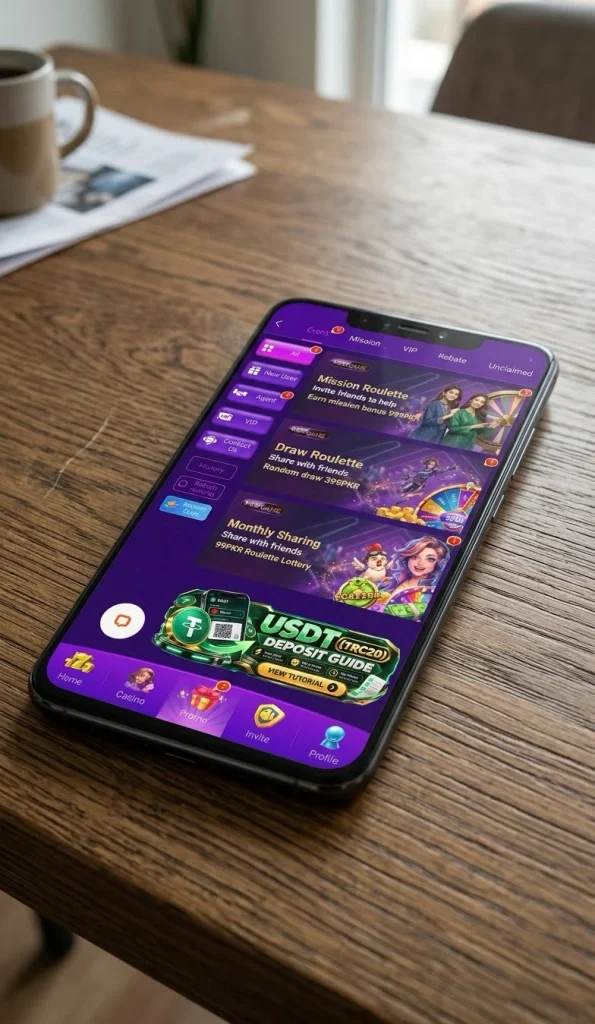
3. Scan the File
Security software can sometimes identify malicious applications before they are opened.
A scan is useful, but it should not be treated as an absolute guarantee. New or modified malware may not immediately be detected by every security system.
4. Review Permissions
Permissions are one of the most useful things beginners can examine.
Ask:
Does this application actually need the access it is requesting?
For example, an ordinary calculator would normally have little reason to access your contacts, microphone, or location.
Understanding Android App Permissions
Permissions determine what an application can access or use on your device.
| Permission | Possible Purpose | What to Consider |
|---|---|---|
| Camera | Taking photos or scanning | Is camera access necessary? |
| Microphone | Voice features | Does the app need audio access? |
| Location | Maps or location features | Is continuous location access necessary? |
| Contacts | Communication features | Why does the app need your address book? |
| Photos/Files | Uploading or saving content | What information can it access? |
| Notifications | Alerts and messages | Usually less sensitive, but still review it |
| Internet | Online functionality | Common, but inspect the app’s overall behavior |
Do not automatically approve every permission request just because the application will not work without it.
Device Compatibility
Before considering any Android application, check whether it is compatible with your device.
Important technical factors include:
Android Version
Some applications require newer versions of Android. Older devices may not support the software correctly.
Processor Architecture
Android devices can use different processor architectures. Most modern phones use ARM-based processors, but compatibility can still vary depending on how an APK was packaged.
Available Storage
An application may require more storage than the APK’s displayed file size because additional data can be downloaded after installation.
RAM
Applications that use complex graphics or background services may require more memory.
Screen and Hardware Features
Certain applications may depend on particular hardware or screen capabilities.
A device being able to install an APK does not necessarily mean that the application will perform well.
APK Installation Guide: What Users Should Understand
The general Android installation process involves obtaining an APK, allowing the relevant installation permission when necessary, opening the package, and allowing Android to install it.
However, the exact process varies between Android versions and manufacturers.
For security reasons, users should avoid blindly enabling installation from unknown sources across the entire device. If an application is unnecessary or comes from an untrusted source, the safer choice is not to install it.
After installation, review the application’s permissions and behavior rather than assuming everything is safe.
How to Protect Personal Information
Privacy is just as important as malware protection.
Avoid entering sensitive information into an unfamiliar application unless you have a clear reason to trust the service.
Personal information can include:
- Full name
- Phone number
- Email address
- Home address
- Identification information
- Passwords
- Financial information
- Authentication codes
Never give an unfamiliar application access to passwords, verification codes, or other credentials simply because it requests them.
Use Unique Passwords
If an application requires an account, use a password that is not reused elsewhere.
Password reuse creates a major security problem: if one service is compromised, attackers may attempt the same credentials on other accounts.
Enable Two-Factor Authentication
Where available, two-factor authentication provides an additional security layer beyond a password.
Never share a verification code with another person or application unless you understand exactly why it is required.
How to Recognize Suspicious Apps
Certain warning signs should make users stop and investigate.
Warning Sign 1: Unrealistic Claims
Be skeptical of applications promising guaranteed financial returns, unlimited rewards, or effortless earnings.
No legitimate application can guarantee financial success simply because someone downloaded or registered for it.
Warning Sign 2: Excessive Permissions
An application requesting access unrelated to its function deserves closer examination.
Warning Sign 3: Forced Downloads
Avoid websites that repeatedly redirect you or claim that additional unknown applications are required.
Warning Sign 4: Requests for Sensitive Codes
Never provide passwords, banking credentials, or one-time verification codes to suspicious software.
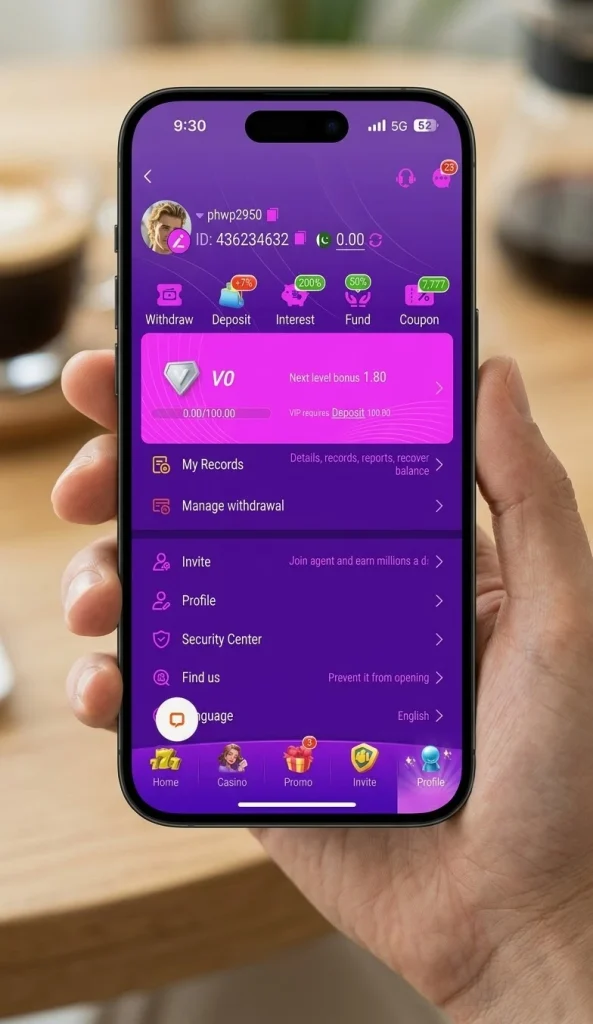
Warning Sign 5: No Clear Publisher Information
If you cannot identify who developed or maintains an application, determining accountability becomes difficult.
Mobile App Security Checklist
Use this checklist before installing any third-party Android application:
| Security Check | What to Ask |
|---|---|
| Source | Where did the APK come from? |
| Publisher | Can the developer be identified? |
| Permissions | Are requested permissions reasonable? |
| Version | Is the software current? |
| Device | Does it support your Android version? |
| File | Has it been scanned or verified? |
| Privacy | What personal information does it collect? |
| Updates | Is there a trustworthy update mechanism? |
| Reviews | Are independent experiences consistent? |
| Behavior | Does the app act differently from what it claims? |
If several answers are unclear, avoiding installation is usually safer.
Official Stores vs. Unknown APK Sources
Official app stores generally provide users with additional security infrastructure, developer information, automated checks, and update mechanisms.
Third-party sources can vary considerably.
That does not mean every third-party APK is malicious, but it does mean the user has more responsibility for checking the application.
For beginners, the safest general approach is to obtain applications through reputable official distribution channels whenever possible.
What Happens If an APK Causes Problems?
If an unfamiliar application starts behaving strangely after installation, do not ignore the warning signs.
Potential symptoms can include:
- Unexpected advertisements
- Excessive battery consumption
- Unusual data usage
- Frequent crashes
- Unwanted notifications
- Unknown applications appearing
- Device performance suddenly changing
The first step is to stop interacting with the suspicious application and review its permissions.
If necessary, uninstall it and run the device’s built-in security checks. Change important account passwords from a trusted device if you believe credentials may have been exposed.
For serious security concerns, professional technical assistance may be appropriate.
How to Improve Android App Performance
Security should come before performance, but several basic practices can help an application run more reliably.
Keep Android Updated
System updates can provide security fixes, compatibility improvements, and performance changes.
Maintain Free Storage
Very low storage can affect overall device performance.
Close Unnecessary Background Apps
Some applications continue using memory and network resources after they appear to be closed.
Remove Unused Applications
If you no longer need an application, uninstalling it reduces unnecessary background activity and permissions.
Use a Reliable Network
Poor connectivity can make an online application appear slow even when the device itself is functioning normally.
Privacy Questions to Ask Before Installing
Before installing any unfamiliar application, ask:
- Who developed it?
- Where did the APK originate?
- What information does it collect?
- Why does it need each permission?
- Does it have a privacy policy?
- How are accounts protected?
- Can the application be removed easily?
- Does it receive security updates?
- Are independent security checks available?
- What happens to personal data if the account is closed?
These questions help users make decisions based on evidence instead of advertisements or promises.
Common APK Mistakes Beginners Make
Installing From the First Search Result
Search rankings do not prove that a download is safe.
Ignoring Permissions
Many users approve every permission without reading it.
Disabling Security Features
Turning off built-in Android protections simply to install an unknown application can increase risk.
Reusing Passwords
Using the same password across multiple accounts makes a compromise more damaging.
Downloading Modified APKs
Modified or unofficial versions may have been changed from the original software. Unless their integrity can be established, they should be treated cautiously.
Frequently Asked Questions
What does APK mean?
APK means Android Package Kit. It is the package format used to distribute and install Android applications.
Is every APK file unsafe?
No. APK is simply an Android application package format. However, APKs obtained from unknown sources can carry greater security risks than applications obtained through reputable official channels.
Can an APK steal personal information?
A malicious application can potentially misuse permissions or exploit security weaknesses. This is why source verification, permission review, security scanning, and cautious handling of personal information are important.
How can I check whether an APK is trustworthy?
Check its source, publisher information, permissions, version, digital-signing information where available, security scans, independent reputation, and privacy practices. No single check provides a complete guarantee.
Why do APKs request permissions?
Applications request permissions when they need access to particular device features or information. The requested access should be relevant to what the application actually does.
Can an APK work on every Android phone?
No. Compatibility depends on factors such as Android version, processor architecture, available storage, RAM, and other technical requirements.
Should I disable Android security to install an APK?
Disabling security protections simply to install an unknown application is risky. If an application requires you to bypass important security controls, investigate the reason carefully before proceeding.
What is the safest way to download Android applications?
For most users, obtaining applications through reputable official app stores is the safer option. If a third-party application is unavoidable, investigate its source, developer, permissions, integrity, and security reputation before installation.
Final Takeaway
Understanding APK files is useful for anyone using an Android phone, but downloading an application should never be treated as a simple matter of clicking a download button. Source verification, permissions, device compatibility, privacy, file integrity, and security checks all matter.
When an application involves accounts or sensitive personal information, users should be even more cautious. Avoid unrealistic promises, never share passwords or verification codes with unknown services, and prefer reputable official distribution channels whenever possible.