
BBA566 Game APK Guide: Safety, Installation & Android
1:23PM 10/11/2026
1mb-3mb
v2.3
Android & iOS
100K+

Description
When researching the bba566 game, Android users may want to understand how the application works, what an APK file is, whether the app is compatible with their device, and what security risks to consider before installing software from outside an official app store. Understanding these basics can help users make informed decisions and protect their personal information.
This guide explains Android application files, hz333 game installation basics, device compatibility, app performance, permission management, and mobile app security in simple language. It also covers practical ways to evaluate third-party applications without relying on unsupported claims about their safety or reliability.
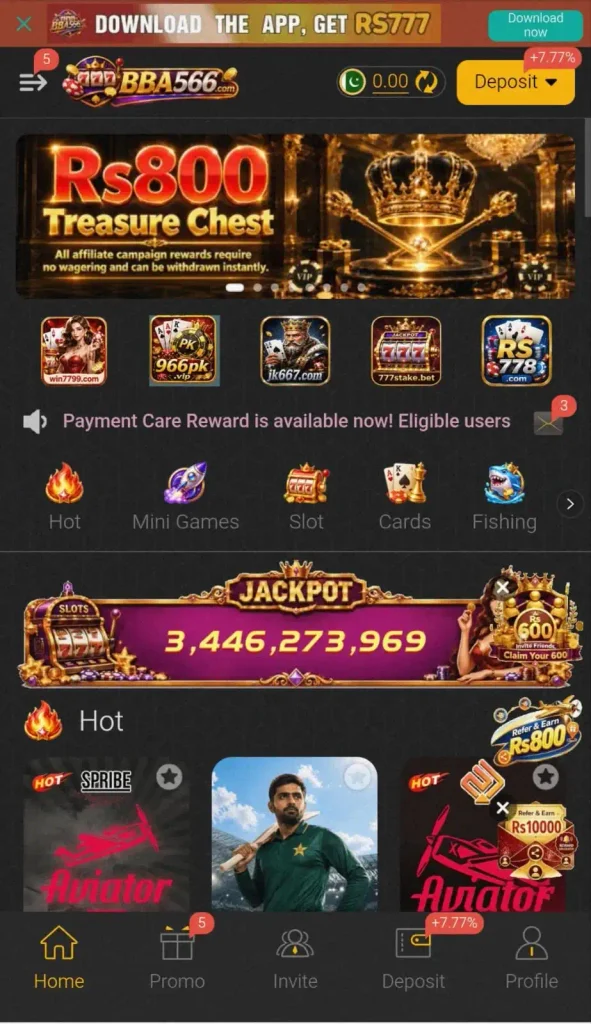
What Is an Android APK File?
APK stands for Android Package Kit. It is a file format used to package applications for installation on Android devices. An APK contains the components an application needs to be installed, such as compiled code, resources, and a manifest describing important app information.
Android applications are commonly distributed through the Google Play Store, but some developers also provide APK files through their websites or other distribution platforms.
However, downloading an APK does not automatically mean that the application is safe, legitimate, or suitable for your device.
How Do APK Files Work?
An APK acts as an installation package. When Android processes the file, it checks the package structure and installation requirements before installing the application.
The basic process involves several components:
- Application code: Instructions that tell the app how to function.
- Resources: Images, layouts, text, and other supporting files.
- Manifest: Information about the application, including its components and requested permissions.
- Digital signature: Information used to verify the app’s signing identity and whether a signed package has been modified.
An APK’s digital signature is useful for checking package integrity and update continuity. However, a valid signature does not prove that an application is trustworthy or free from malicious behavior.
Understanding APK Installation on Android
An APK installation guide should explain the technical requirements and security implications before users attempt to install an application.
Android normally encourages users to obtain apps from trusted app stores. Installing software from outside these stores may require permission for a particular source to install applications.
The exact settings and wording vary by Android version and device manufacturer.
What Happens During APK Installation?
The general process involves these stages:
- Package verification: Android examines the application package and its signing information.
- Compatibility checks: The system checks whether the application can run on the device.
- Permission review: Android may display information about the access requested by the app.
- Installation: If the requirements are satisfied, Android installs the application.
- Runtime operation: The app runs within Android’s application security framework, subject to the permissions and capabilities available to it.
Installation can fail because of an incompatible Android version, insufficient storage, a corrupted file, conflicting package signatures, or other technical restrictions.
Users should not disable security protections simply to force an unfamiliar application to install.
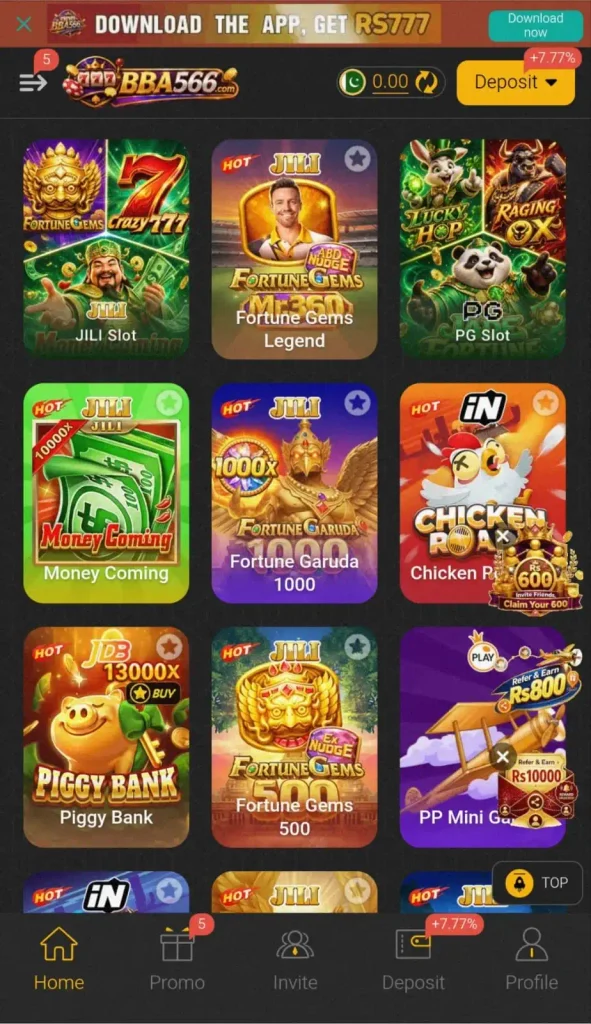
Is the BBA566 Game APK Safe?
There is no reliable way to establish an application’s safety from its name alone. A website claiming that an APK is verified, secure, or official does not independently prove those claims.
Before trusting any third-party mobile application, users should evaluate its source, developer identity, requested permissions, privacy policy, and available security information.
Important Security Checks
1. Verify the source
Check whether the download comes from an identifiable developer or an official distribution channel. Be cautious of websites that use misleading download buttons, unexpected redirects, or multiple unrelated installation files.
2. Check the developer’s identity
Look for consistent developer information, contact details, and a privacy policy. If the publisher cannot be identified, it becomes more difficult to establish who is responsible for the software.
3. Review the permissions
An application’s requested access should be relevant to its stated functions. A simple game generally should not need unrestricted access to contacts, text messages, or accessibility controls without a clear, legitimate explanation.
4. Examine security warnings
Android and Google Play Protect may warn users about potentially harmful applications. Do not ignore warnings merely because a website describes its download as safe.
5. Look for independent information
Search for credible security reports, developer documentation, and evidence of suspicious behavior. Anonymous testimonials and promotional reviews are not sufficient proof of safety.
6. Avoid unexplained updates
An unexpected APK update may replace an existing application or introduce different permissions and functionality. Verify the publisher and package information before considering an update.
A Practical Risk Comparison
| Check | Lower-risk indicator | Warning sign |
|---|---|---|
| Download source | Identifiable, reputable publisher | Unknown or frequently changing websites |
| Permissions | Relevant to the app’s functions | Unexplained access to sensitive information |
| Privacy policy | Clear data collection and retention terms | Missing or vague privacy information |
| Security status | No known warning, with other checks completed | Malware alerts or suspicious behavior |
| Developer identity | Consistent and verifiable information | Anonymous publisher or impersonation |
| Updates | Traceable, expected releases | Unexpected packages or unexplained changes |
These indicators help with risk assessment, but none guarantees that an application is safe.
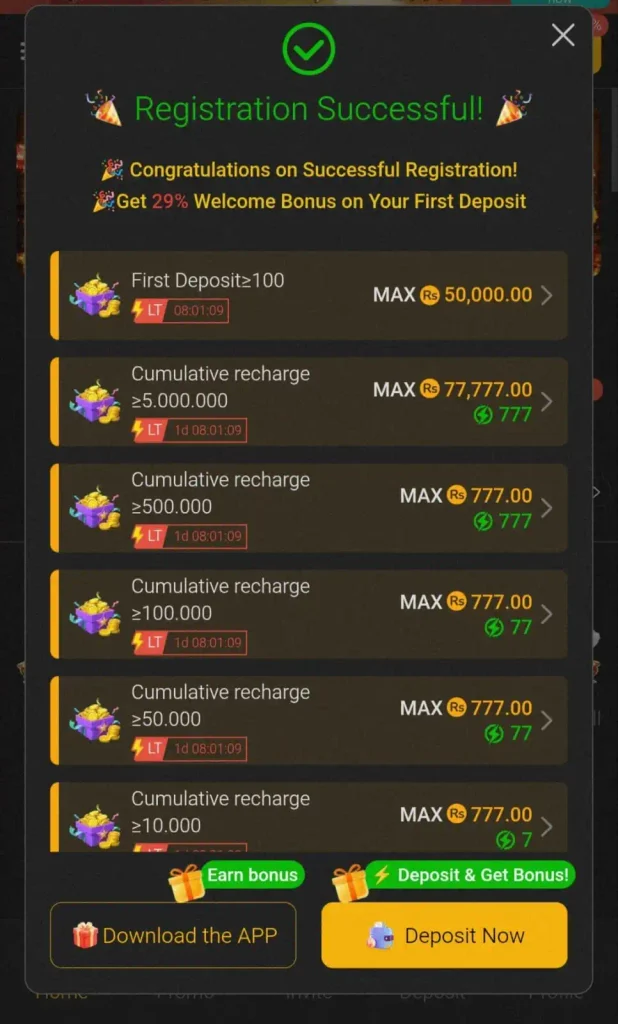
Android Device Compatibility: What Should Users Check?
Not every Android application works on every device. Compatibility depends on the operating system, hardware, application architecture, available storage, and other technical requirements.
Before installing any application, consider the following factors.
Android Version
Developers may set a minimum Android version required to run their applications. A device running an older operating system might be unable to install or properly operate newer software.
Users should check their phone’s Android version in the system settings and compare it with the application’s documented requirements.
Processor Architecture
Android devices can use different processor architectures, such as ARM-based architectures. Some application packages contain code for only particular architectures.
A package designed for a different architecture may fail to install or run correctly.
Available Storage
Applications need space for installation, temporary files, cached information, and updates. Insufficient storage can cause installation errors, crashes, or performance problems.
Screen and Hardware Requirements
Some applications are designed for specific screen configurations, hardware capabilities, or system features. Differences in screen resolution, memory, and processing power may affect the user experience.
Internet Connection
Online games and account-based applications may require a stable internet connection. Slow connections, network restrictions, or server problems can cause delays and connection failures.
Common APK Installation and Performance Problems
Technical issues do not always mean that a device is infected. Several ordinary compatibility and configuration problems can affect application performance.
| Problem | Possible explanation | What to check |
|---|---|---|
| Installation fails | Incompatible version or corrupted package | File integrity and documented requirements |
| App closes unexpectedly | Software bug or insufficient resources | App updates, available storage, and system updates |
| Screen freezes | Device limitations or application errors | Memory availability and app stability |
| Login fails | Network or account-related issue | Connection status and official support information |
| App loads slowly | Server delays or weak connectivity | Network quality and service status |
| Update does not install | Conflicting signatures or package mismatch | Publisher identity and update source |
Avoid downloading multiple unofficial versions to solve a problem. Doing so can introduce additional security risks and make it harder to identify the cause of an error.
How Can Users Evaluate App Performance?
Performance can be assessed through observable behavior rather than promotional statements.
Consider whether the application opens consistently, responds to ordinary actions, uses a reasonable amount of device resources, and behaves predictably when the network connection changes.
Repeated crashes, unexpected redirects, unexplained background activity, or persistent security alerts deserve closer investigation.
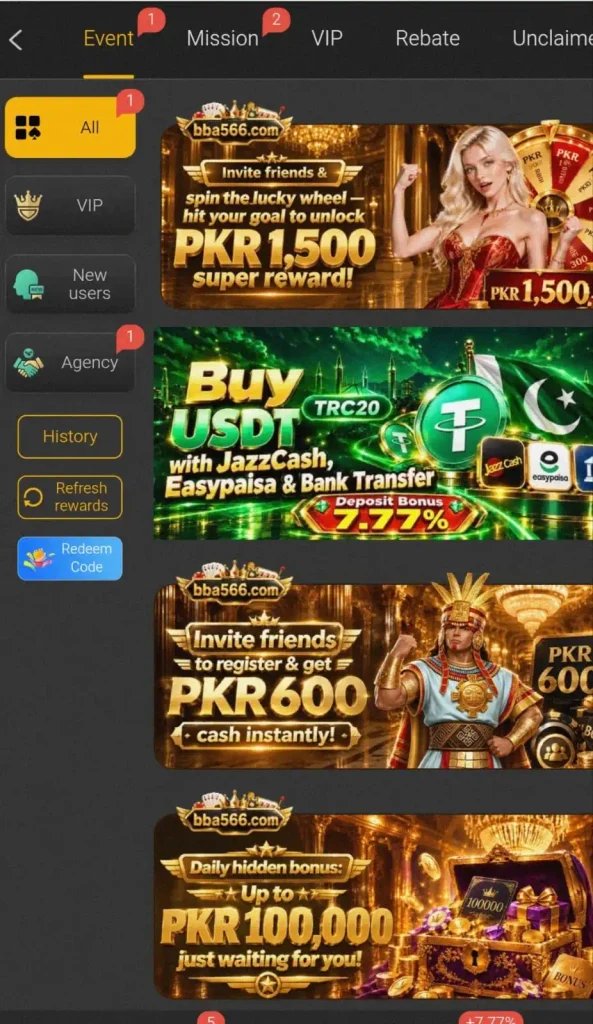
App Permissions and Personal Information Protection
App permissions determine which device features and information an application may access. Android provides permission controls so users can review and manage certain types of access.
Depending on the app and Android version, permissions may involve location, camera, microphone, contacts, photos, or other sensitive information.
Which Permissions Should Users Review Carefully?
- Contacts: Can expose information about people stored on your device.
- Location: May reveal your approximate or precise whereabouts.
- Camera and microphone: Can provide access to sensitive audio or visual information when permitted.
- Photos and files: May expose personal documents or media, depending on the access granted.
- SMS and phone permissions: Can expose communications or telephone-related information.
- Accessibility access: Can give an application powerful capabilities to observe or interact with other apps and device functions.
Some legitimate applications need particular permissions. The important question is whether the requested access is necessary, proportionate, and clearly explained.
How to Protect Your Personal Information
Use a separate, strong password. Avoid reusing your email, banking, or other important account passwords for gaming applications.
Enable two-factor authentication where available. This adds another layer of protection to supported accounts.
Limit the information you provide. Do not submit identity documents, financial details, or personal information unless the service has a legitimate, verified reason to request them.
Review permissions regularly. Remove permissions that are unnecessary for the app’s functions.
Keep Android updated. Security updates help address known vulnerabilities in the operating system and supported components.
Avoid suspicious links. Messages promising special rewards, urgent account verification, or exclusive downloads may lead to phishing websites.
Remove unfamiliar applications. If an application behaves suspiciously, stop using it and review its permissions, account activity, and device security status.
Third-Party APKs Compared With Official App Stores
Third-party APK distribution can offer flexibility, but it may also remove some of the protections and transparency associated with established app stores.
| Factor | Official app store | Third-party APK source |
|---|---|---|
| Publisher information | Often displayed on the listing | May be incomplete or difficult to verify |
| Review process | Store-specific review and policy checks | Depends on the distribution platform |
| Updates | Usually managed through the store | May require separate verification |
| Security protections | Store screening and available device protections | Depends heavily on the source and package |
| Compatibility details | Often provided on the listing | May be missing or inaccurate |
| Overall risk | Not risk-free | Requires additional scrutiny |
Official stores can still contain harmful or deceptive applications, and third-party sources vary in quality. The source alone cannot establish the safety of a particular package.
Understanding Privacy Policies and Data Collection
A privacy policy should explain what information an application collects, why it collects it, how the information is used, and whether it is shared with other organizations.
For an unfamiliar game or online service, look for answers to these questions:
- What personal information is collected during registration?
- Does the application collect device identifiers or usage information?
- Is information shared with advertising or analytics providers?
- How long is personal information retained?
- Can users request deletion of their accounts or data?
- How can users contact the developer about privacy concerns?
A privacy policy is not proof that a company follows its stated practices. Nevertheless, a missing, misleading, or difficult-to-understand policy makes informed decisions harder.
Users should also distinguish between permissions and data collection. An app may collect certain information through its online services without requesting a traditional Android permission for every data type.
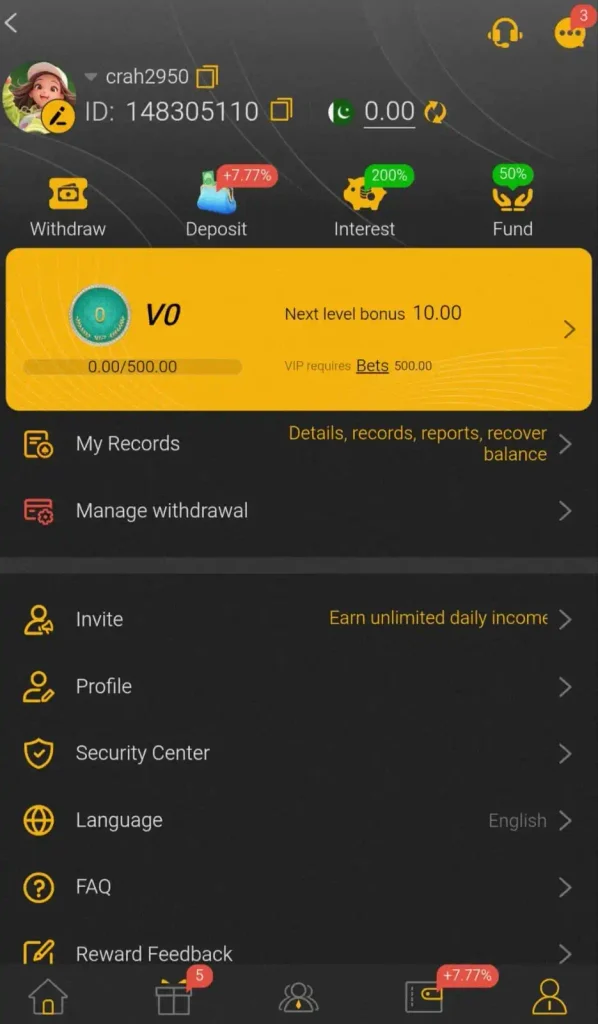
Mobile Casino Applications: Additional Considerations
Some Android applications described as games include casino-style mechanics, wagering, deposits, or withdrawals. These functions raise concerns beyond ordinary app compatibility and security.
Before interacting with a service that handles money, users should independently investigate its operator, legal status, privacy practices, transaction terms, and complaint procedures.
Financial and Account Security
- Never share banking passwords, one-time verification codes, or account recovery details.
- Do not assume that a displayed account balance can be withdrawn.
- Read transaction fees, withdrawal restrictions, and account terms carefully.
- Be wary of requests for additional payments to release supposed winnings.
- Avoid services that make unrealistic earnings claims or pressure users to deposit money.
- Check applicable local laws and age restrictions before using any wagering service.
A website or application may display payment options without proving that its transactions are reliable. Payment availability is not evidence of legitimacy.
Users should never treat casino-style applications as a dependable source of income. Outcomes may be uncertain, and financial losses are possible.
What to Do If an APK Appears Suspicious
If an application displays unusual behavior or triggers a security warning, prioritize protecting the device and any accounts connected to it.
- Stop entering personal, account, or payment information into the application.
- Review the app’s permissions in Android settings and revoke unnecessary access.
- Use Google Play Protect or another reputable security tool to check the device.
- Uninstall the application if it appears unsafe or is no longer needed.
- If you entered a password, change it through the legitimate service’s website or app, especially if that password was reused elsewhere.
- Review important accounts for unfamiliar activity and contact the relevant provider if necessary.
- Install pending security updates and avoid reinstalling the same package from an unverified source.
If financial information may have been exposed, contact the relevant bank or payment provider through its official contact channels.
Safe Downloading Practices for Android Users
Good security habits reduce the likelihood of installing harmful software, although they cannot eliminate every risk.
Before Downloading
- Identify the developer and the intended application.
- Prefer trusted distribution channels.
- Read the application’s privacy policy and documented requirements.
- Check whether the package is appropriate for your Android version.
- Avoid websites that demand unnecessary personal details before providing basic information.
During Installation
- Read Android’s security warnings rather than dismissing them automatically.
- Examine the permissions requested by the application.
- Do not grant accessibility access or device administrator privileges without a clear and justified need.
- Avoid installing additional applications offered through unrelated pop-ups.
After Installation
- Check for unexpected changes in battery usage, data consumption, or device behavior.
- Keep the operating system and applications updated.
- Revisit permissions when the application changes or introduces new features.
- Uninstall apps that are no longer needed.
- Avoid storing sensitive personal information in unfamiliar services.
These steps are useful for evaluating many types of Android applications, not just casino-style games.
Frequently Asked Questions
1. What is the BBA566 game APK?
The term refers to an Android application associated with the name BBA566 game. Without verified information about a specific package and its publisher, its precise features, authenticity, and security status cannot be confirmed from the name alone.
2. Is the BBA566 game APK safe to install?
Its safety cannot be established without reliable evidence about the specific application. Check the source, publisher, permissions, privacy policy, security warnings, and independent information before making a decision.
3. What is an APK file in Android?
An APK is an Android application package used to distribute and install software. It contains the code and resources required by an application, along with information Android uses during installation.
4. Can every APK run on every Android phone?
No. Compatibility depends on factors such as the Android version, processor architecture, available storage, hardware requirements, and the application’s configuration.
5. Why does an APK fail to install?
Common causes include a corrupted download, an incompatible Android version, insufficient storage, conflicting package signatures, or restrictions imposed by the device’s security settings.
6. Does a virus scanner guarantee that an APK is safe?
No. Security scanners can identify many known threats, but they may not detect every harmful application or future malicious behavior. Combine security scans with source verification and permission reviews.
7. Why does a game request access to contacts or location?
Some applications request these permissions for specific features, but the need should be clearly explained. If a permission appears unrelated to the app’s purpose, avoid granting it until you can verify why it is needed.
8. Can third-party APKs access personal information?
They may collect information through granted permissions, their own app functionality, or online services. The exact risk depends on the application’s design, behavior, and privacy practices.
9. How can Android users protect their data?
Use strong, unique passwords, keep Android updated, restrict permissions, avoid suspicious links, enable available account security features, and share only the information necessary for a legitimate purpose.
10. Is a valid digital signature proof that an application is trustworthy?
No. A digital signature helps establish package integrity and signing identity. It does not establish that the developer is honest, that the application respects privacy, or that the software is free from harmful functionality.
11. Should users ignore Android security warnings if a website says an app is official?
No. A website’s claims do not override a device security warning. Investigate the warning using trusted security information instead of disabling protections to proceed.
12. What should users do if they have already installed a suspicious APK?
Stop using the app, review its permissions, run a reputable security check, and uninstall it if necessary. If you entered sensitive information, secure the affected accounts and contact your financial provider if payment details may be compromised.
Conclusion
Understanding APK files, Android compatibility, and mobile app security helps users make more informed decisions about unfamiliar applications. A careful APK installation guide should cover not only technical requirements but also privacy, permissions, publisher verification, and potential financial risks.
For anyone researching BBA566 game or another third-party Android application, the essential principle is to verify the specific software rather than relying on its name, promotional claims, or download availability. Use trusted sources, examine requested permissions, keep your device updated, and protect personal and financial information. No single security check can guarantee an application’s safety, but a consistent verification process can help reduce avoidable risks.