
HZ333 Game APK Guide: Features, Android Compatibility Safety
2:6PM 10/10/2026
1mb-3mb
v2.3
Android
100K+

Description
Mobile applications are widely used for entertainment, online activities, and interactive experiences. Before exploring the hz333 game, Android users should understand how APK files work, what device requirements matter, and how to evaluate an application before installing it. This guide explains the basics of Android ty777.win game common app features, compatibility considerations, security checks, and safer alternatives in simple English.
Third-party applications may not receive the same verification and security checks as apps distributed through established app stores. Therefore, understanding mobile app security is important before downloading an unfamiliar file.
What Is an Android APK File?
APK stands for Android Package Kit. It is the file format Android uses to distribute and install applications. An APK contains the components an application needs to run, including program code, resources, and configuration information.
Apps distributed through official stores are generally installed through the store’s interface. Some developers also distribute APK files through their websites or other platforms.
How APK Files Work
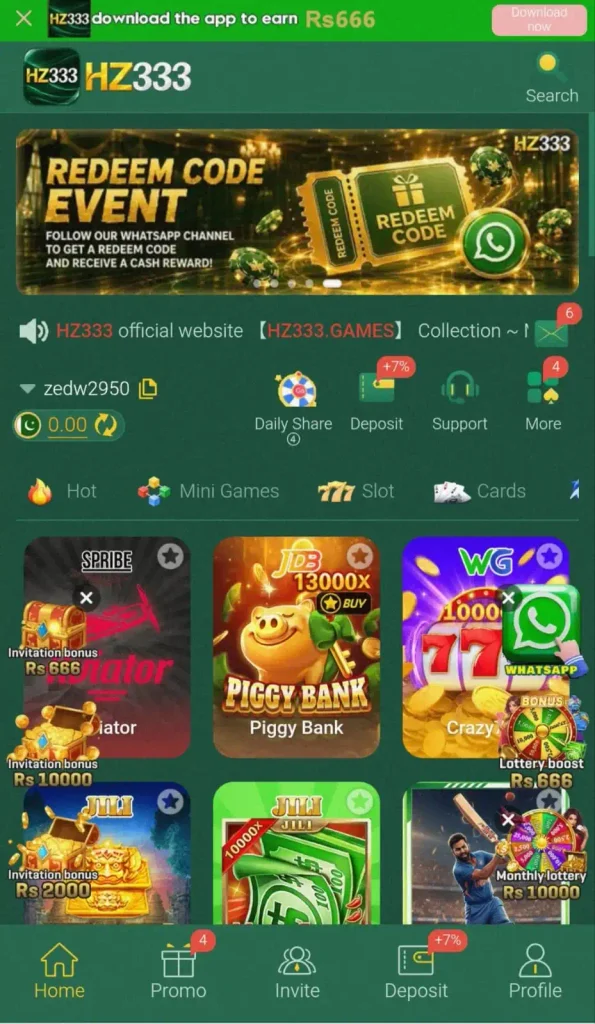
An APK packages application components into one file. When Android installs the package, the operating system checks its structure and signing information before allowing installation.
The basic process involves:
- Application package: Contains the files required by the app.
- Digital signature: Helps identify the publisher and detect certain unauthorized changes.
- Permissions: Define which device features or information an app can access.
- Compatibility checks: Help determine whether the application supports the device’s Android version and hardware.
An APK file is not automatically safe just because it installs successfully. Its source, permissions, and developer reputation also matter.
Understanding App Features and User Experience
The features available in a third-party application depend on its developer and the version being distributed. Without independently verified product documentation, specific features should not be assumed.
Common Features in Mobile Applications
Many mobile entertainment applications include features such as:
- Simple navigation: Menus and controls that help users move between sections.
- Account management: Settings for viewing or managing account information.
- Notifications: Alerts about activity, updates, or service announcements.
- Help sections: Instructions or contact options for resolving basic questions.
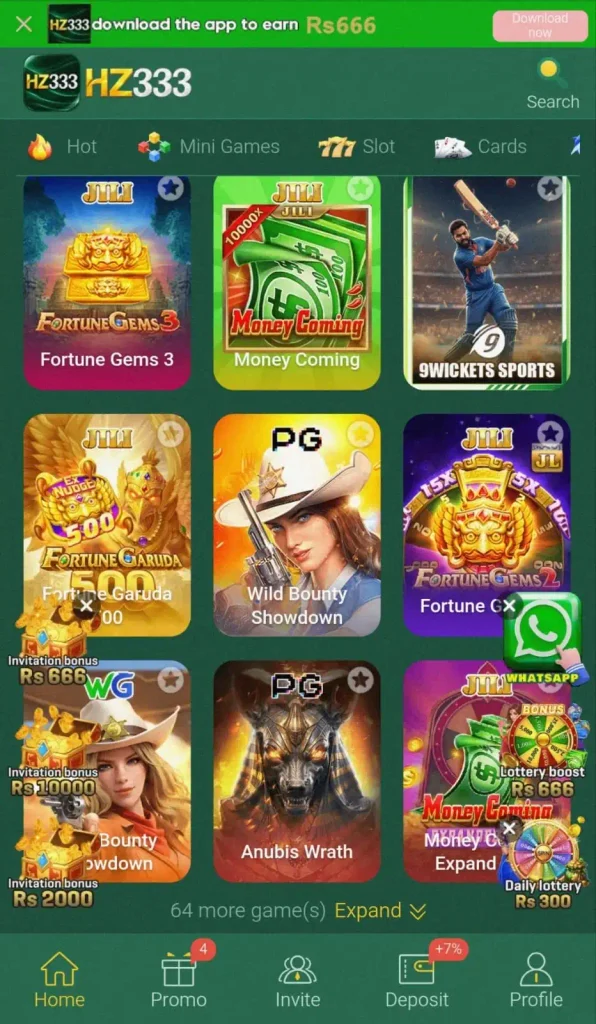
- Device optimization: Layouts designed for different screen sizes.
- Language settings: Options that may make an interface easier to understand.
These are general examples rather than confirmed features of a particular application.
User Interface and Performance
A clear user interface can make an application easier to navigate. However, attractive graphics do not prove that an app is secure, reliable, or operated by a trustworthy organization.
When evaluating an unfamiliar app, consider whether:
- Menus and labels are understandable.
- Buttons respond correctly.
- Text remains readable on your screen.
- The app requests only necessary permissions.
- Its privacy policy explains how information is collected and used.
- Contact and support details can be independently verified.
Avoid providing personal information if the application’s ownership and privacy practices are unclear.
Android Compatibility and Technical Requirements
Smartphone compatibility depends on the application, operating system, hardware, and available storage. There is no single Android requirement that applies to every APK.
Android Version
Each application has a minimum supported Android version. A file designed for a newer system may not work on an older phone.
Before installing an app, check its documented minimum Android version. Do not rely on unsupported claims that an application works on every Android device.
Storage and Memory
Applications require storage for installation, updates, and temporary files. Some also need sufficient RAM to operate smoothly.
Consider the following factors:
- Available internal storage
- Device RAM and processor capability
- Android operating system version
- Internet connection quality
- Screen size and display resolution
- Compatibility with your device’s processor architecture
Smartphone Compatibility Checklist
Use this checklist when reviewing any unfamiliar APK.
- Confirm that the developer publishes clear system requirements.
- Check the available storage on your phone.
- Review the application’s version and release information.
- Look for documented compatibility limitations.
- Avoid modified packages claiming to bypass device restrictions.
An application that installs successfully may still crash, freeze, or perform poorly if its requirements are not met.
APK File Installation: Important Requirements
Android allows users to install applications from sources outside an app store, but doing so can increase security risks. The exact installation process depends on the Android version and device manufacturer.
What to Check Before Installation
Before considering a third-party APK, review these points:
- Source authenticity: Determine whether the file comes from a verifiable, legitimate publisher.
- Developer identity: Check whether the developer provides consistent and credible contact information.
- Version details: Look for a version number, release date, and update history.
- File integrity: Compare the file’s cryptographic hash with one published by a trusted source, if available.
- Permissions: Check whether requested access is necessary for the app’s stated purpose.
- Privacy information: Read how the application handles personal data.
- Independent reputation: Look for credible reports about the developer and application.
Do not treat a download page’s security badges or promotional claims as proof of safety.
Why Installation Permissions Matter
Android may require users to authorize a particular source before installing an APK. This authorization should not be confused with a security certification.
If you decide to install a legitimate application from a third-party source, avoid leaving unnecessary installation permissions enabled afterward. Keep Google Play Protect or the security protections provided by your device enabled.
Never install an application simply because a website claims that it offers guaranteed rewards, unlimited access, or special financial benefits.
Mobile App Security and Verification
Mobile app security should be a priority whenever an application comes from an unfamiliar source. A harmful app may attempt to collect sensitive information, display deceptive advertisements, or request access beyond what it needs.
How to Evaluate an APK
1. Verify the Publisher
Look for an identifiable developer and an official website. Check that the website’s domain and contact details are consistent across reliable sources.
2. Review App Permissions
Be cautious if an entertainment application requests access to contacts, text messages, accessibility services, or other sensitive functions without a clear reason.
3. Check Digital Signatures
A digital signature can help establish package identity and detect certain changes to an APK. However, a valid signature does not guarantee that the developer is trustworthy or that the application is free from harmful behavior.
4. Use Security Protection
Keep Android updated and leave built-in security scanning enabled. Security tools can help identify known threats, but they cannot guarantee that every application is safe.
5. Protect Personal Information
Never share passwords, one-time verification codes, banking credentials, or identity documents with an unverified application or support contact.
Warning Signs of an Untrustworthy Application
Be particularly careful when a download website:
- Promises guaranteed income or risk-free winnings.
- Pressures visitors to download files immediately.
- Offers modified APKs with unclear origins.
- Requests unnecessary permissions.
- Has no verifiable developer information.
- Uses copied branding or misleading security claims.
- Requests extra payments to unlock an account or release supposed winnings.
If several warning signs appear together, avoid the application.
Understanding Casino-Style Mobile Applications
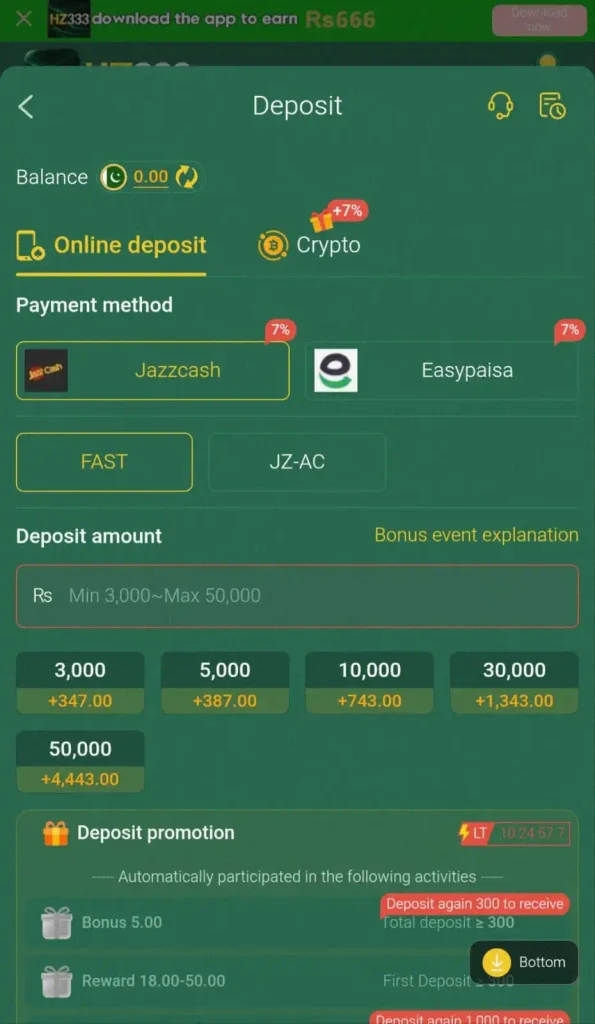
Some mobile applications use casino-style games, chance-based mechanics, virtual rewards, or account balances. These categories require additional care because financial loss and misleading promotional claims may be involved.
Entertainment Games Versus Real-Money Games
| Factor | Entertainment-only games | Real-money or wagering apps |
|---|---|---|
| Primary purpose | Recreation | May involve financial stakes |
| Financial exposure | Usually limited to the purchase price, if any | Deposits and losses may occur |
| Account requirements | Depend on the app | May require identity or payment information |
| Legal considerations | Depend on the content and location | May involve gambling-specific restrictions |
| Main safety concern | Privacy and device security | Privacy, financial risk, and legal compliance |
This comparison describes general categories, not verified details about any specific application.
Questions to Ask Before Using a Casino-Style App
- Is the operator’s identity independently verifiable?
- Are the rules and terms clearly explained?
- Does the service have the necessary authorization for the relevant jurisdiction?
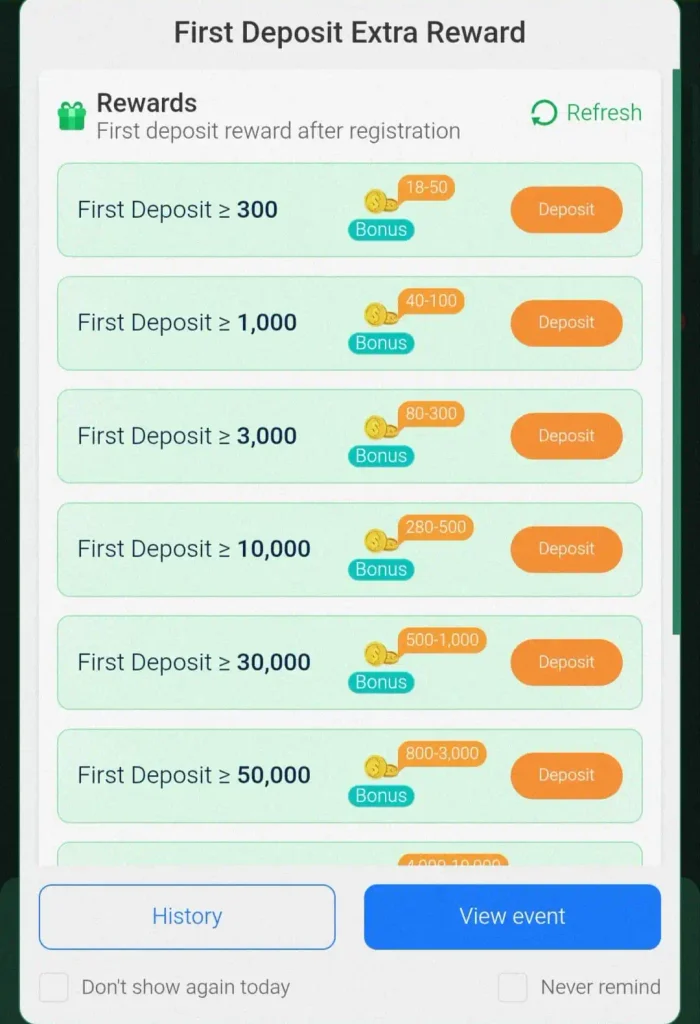
- Are deposits, withdrawals, fees, and refund policies explained transparently?
- Does the privacy policy describe how financial and personal information is handled?
- Are promotional claims realistic and supported by evidence?
If these questions cannot be answered clearly, do not provide money or sensitive information.
Users should also understand that chance-based games do not guarantee profits. Never borrow money or use funds needed for education, household expenses, or essential needs to participate in wagering.
Common APK Problems and Possible Causes
Third-party applications can experience technical problems even when the installation file is legitimate. Understanding the likely causes can help users avoid unnecessary troubleshooting risks.
App Not Installed
Possible causes include:
- Insufficient storage
- Unsupported Android version
- An incompatible package
- A conflict with an existing app version
- A damaged or incomplete file
The safest first step is to review the device requirements and verify the file’s source. Avoid downloading replacement files from random websites.
App Crashes or Freezes
Crashes may result from software bugs, insufficient memory, device incompatibility, or an outdated version.
Check whether the developer provides a documented update or compatibility notice. Keep the operating system updated where possible.
Application Cannot Connect
Connection problems can result from unstable internet access, server outages, maintenance, or regional restrictions.
Check the service’s independently verified status information, if available. Do not install unofficial patches or disable device security protections to bypass connection errors.
Login or Verification Problems
Login problems may involve incorrect account details, service interruptions, or verification requirements.
Use only verified support channels. Never share a one-time code or password with someone claiming to be able to fix your account.
Suspicious Pop-Ups or Unexpected Permissions
Unexpected advertisements, redirects, or new permission requests can indicate poor-quality software or potentially harmful behavior.
Stop interacting with the application if it behaves suspiciously. Review its permissions and use your device’s security tools to investigate.
Safe Alternatives to Unverified APKs
Users who want mobile entertainment have options that may reduce the risks associated with unfamiliar installation files.
Official App Stores
Established app stores provide a more structured distribution process, developer information, and security checks. These protections are useful but do not guarantee that every listing is safe.
Browser-Based Entertainment
Some services work through a mobile browser without requiring a separate APK. Users should still verify the website’s domain, privacy practices, and reputation before creating an account.
Offline Mobile Games
Offline games can provide entertainment without requiring an account or continuous internet access. Check the publisher, permissions, and purchase terms before downloading.
Open-Source Applications
For users comfortable with technical details, reputable open-source projects may provide publicly available source code and release information. Open-source availability alone does not prove that a particular download is safe.
APK Safety Checklist for Beginners
Before using any unfamiliar Android application, review the following checklist.
- Verify the developer’s identity.
- Confirm that the download source is legitimate.
- Review the application’s privacy policy.
- Check the Android version and hardware requirements.
- Inspect the requested permissions.
- Keep device security protections enabled.
- Avoid sharing passwords and verification codes.
- Read payment and refund terms before making a transaction.
- Confirm the legal status of any wagering-related service.
- Stop if the app makes deceptive claims or behaves suspiciously.
A few minutes of verification can help users make more informed decisions about unfamiliar software.
Frequently Asked Questions
What is an APK file on Android?
An APK is the package format used to install Android applications. It contains the app’s code, resources, and configuration information. APKs may be distributed through official stores or third-party sources.
Is every third-party APK safe to install?
No. Third-party APKs can contain harmful software or come from untrustworthy publishers. Verify the source, developer, permissions, and available security information before considering installation.
How can I check whether an APK is compatible with my phone?
Review the app’s documented Android version requirements, processor compatibility, storage needs, and hardware limitations. An APK may fail to install or run correctly if your phone does not meet those requirements.
Does a digital signature prove that an APK is safe?
No. A signature helps verify package identity and detect certain modifications. It does not establish that the publisher is trustworthy or that the software has no security vulnerabilities.
Why does an APK fail to install?
Common reasons include insufficient storage, an unsupported Android version, an incompatible package, a damaged file, or a conflict with an existing version. Verify compatibility and the file’s authenticity rather than using an unknown replacement download.
Can an APK access my personal information?
Depending on its permissions and behavior, an application may access certain information or device functions. Review permissions carefully, avoid unnecessary access, and never enter sensitive details into an unverified application.
What should I do if an installed app behaves suspiciously?
Stop using the application, review its permissions, and run your device’s security checks. Uninstall it if appropriate, change exposed passwords from a trusted device, and contact your bank promptly if financial information may have been compromised.
Are casino-style mobile applications legal in Pakistan?
The legal position depends on the type of activity and applicable laws. Gambling-related activities can face significant legal restrictions in Pakistan. Users should consult reliable, current legal information rather than relying on an application’s marketing claims.
Can casino-style games guarantee earnings?
No legitimate claim of guaranteed winnings should be accepted without evidence. Chance-based games can result in losses, and promotional offers may have restrictions or conditions.
What is the safest alternative to an unknown APK?
Consider an established app store, a reputable browser-based service, or an offline game from a verifiable publisher. Regardless of the distribution method, check the developer, permissions, privacy policy, and security information.
Final Thoughts
Understanding APK files is an important part of using Android devices responsibly. Compatibility, performance, app features, and installation requirements all matter, but none of them replaces security verification.
Before installing an unfamiliar application, confirm its source, review its permissions, protect your personal information, and investigate any financial or legal risks. When the developer cannot be verified or the application’s claims appear misleading, choosing a better-established alternative is the safer decision.