
ty777.win Game APK Download Guide
1:15PM 10/10/2026
7.04MB
v4.2
Android & iOS
20M

Description
Mobile applications distributed outside official app stores require careful checking before installation. Users searching for ty777.win game may want to understand how APK files work, whether an application is compatible with their Android device, and what security risks they should consider. This guide explains the basics of Android application files, installation requirements, app permissions, privacy protection, and safe downloading practices without making unverified claims about any specific application.
What Is an Android APK File?
APK stands for Android Package Kit. It is a file format used to distribute and install applications on Android devices. 786.fun game contains the components an application needs to run, including its program code, resources, and configuration information.
Applications downloaded from the Google Play Store are generally installed through the store’s managed process. However, some developers distribute Android application files through their websites or other third-party platforms.
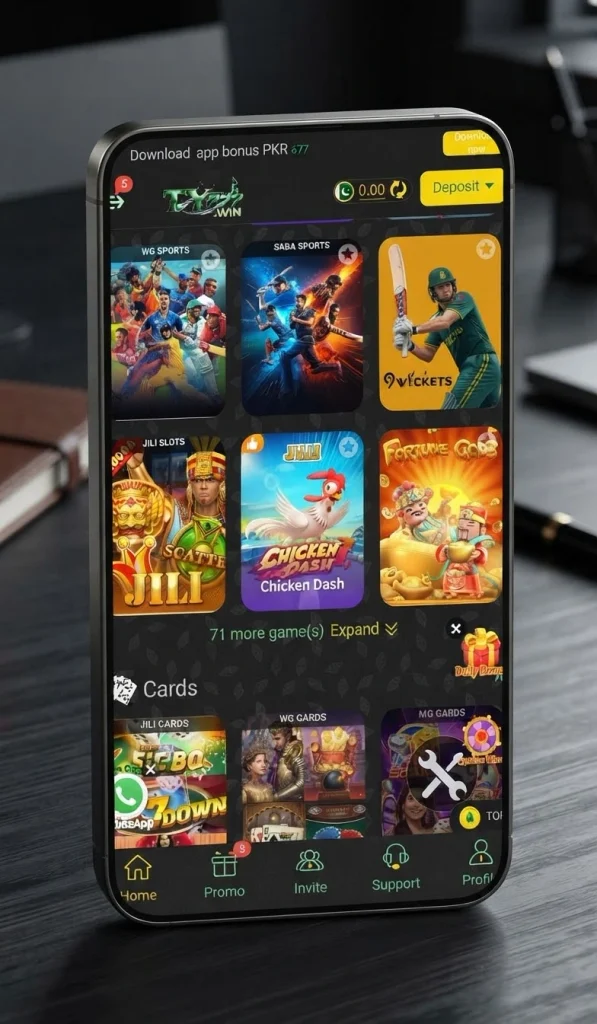
Before opening an APK, users should understand three important points:
- APK files are installation packages: They contain the files needed to install an Android application.
- An APK is not automatically safe: A file can contain harmful code or request unnecessary access to personal information.
- The source matters: Downloading from an unfamiliar website creates additional risks because the file may have been modified or falsely presented.
An APK’s name, icon, or website description cannot independently establish whether it is trustworthy.
How Does an APK Installation Work?
Android uses an installation process to check an application’s package structure, permissions, and other technical requirements. Depending on the Android version and installation source, the device may display warnings or require additional approval.
A typical APK installation process involves these stages:
- File acquisition: The APK is downloaded from a website or transferred to the device.
- Package verification: Android processes the package and checks whether it can be installed.
- Permission review: The user may be shown information about the application’s requested access.
- Installation: If the package meets the system’s requirements, Android installs the application.
- First launch: The application starts and may request additional permissions or account information.
These stages do not guarantee that an application is safe. A malicious app can sometimes pass basic installation checks, so users should evaluate the source and the application’s behavior as well.
Is the ty777.win Game APK Safe?
The safety of a particular APK cannot be confirmed from its name alone. Verification requires reliable information about its publisher, file integrity, permissions, reputation, and behavior. Without independently verified evidence, it would be inaccurate to describe a specific file as safe or unsafe.
Before trusting an unfamiliar application, review the following factors.
1. Verify the Developer
Look for the developer’s identity, contact information, privacy policy, and official distribution channel. Check whether the website consistently identifies the same organization.
Be cautious if the publisher is anonymous, its information conflicts across pages, or the site uses copied branding to appear legitimate.
2. Check the Download Source
An unfamiliar download page may distribute an outdated, modified, or counterfeit application. A website using HTTPS protects the connection between the browser and the website, but it does not prove that the downloaded file is harmless.
Prefer reputable distribution channels and avoid shortened links, unexpected redirects, and files advertised through unsolicited messages.
3. Review Security Warnings
Google Play Protect can scan applications and warn about certain potentially harmful apps. Keep it enabled and pay attention to warnings rather than dismissing them simply to complete an installation.
Security scanners can miss threats, so a clean scan should not be treated as a guarantee.
4. Examine the App’s Behavior
Be alert if an application unexpectedly displays excessive advertisements, opens unfamiliar websites, requests unrelated permissions, or asks you to install additional unknown files.
If its behavior differs significantly from its stated purpose, stop using it and investigate before providing any personal information.
What Should Android Users Check Before Installing an APK?
A careful review can help users avoid common security and compatibility problems.
| Check | What to look for | Why it matters |
|---|---|---|
| Developer identity | Verifiable publisher details | Helps identify impersonation |
| Download source | Reputable, consistent distribution | Reduces exposure to modified files |
| Android compatibility | Supported Android versions and architecture | Helps prevent installation failures |
| File integrity | Trusted checksum or digital signature information | Helps detect unexpected file changes |
| App permissions | Access relevant to the app’s function | Limits unnecessary data exposure |
| Privacy policy | Clear collection and sharing practices | Explains how information may be handled |
| Security warnings | Play Protect alerts and scanner results | Can identify some potential threats |
| Update policy | A reliable way to receive security updates | Helps address vulnerabilities over time |
No single check is sufficient. Consider these factors together, and avoid installing a file if important details cannot be verified.
Android Compatibility and Device Requirements
Not every APK works on every Android phone or tablet. Compatibility depends on several technical factors, including the operating system version, processor architecture, available storage, and application requirements.
Android Version
Developers specify which Android versions their applications support. An older device may lack required features, while a newer operating system may restrict certain outdated application behaviors.
Check the application’s documented minimum Android version before considering installation.
Processor Architecture
Android devices may use different processor architectures, such as ARM-based architectures or x86 variants. Most consumer Android phones use ARM-based processors, but application packages can differ in the architectures they support.
An incompatible package may fail to install or run correctly.
Storage and Memory
Applications require storage for installation, updates, cached files, and other data. They also use working memory while running.
Insufficient storage or limited memory can contribute to slow loading, crashes, and installation errors.
Network Requirements
Some applications depend on a stable internet connection for account access, content loading, or server communication. Network problems can look like application errors even when the installation itself is successful.
Common APK Installation Problems and Their Causes
Understanding error messages can help users distinguish technical issues from possible security concerns.
| Problem | Possible cause | What to check |
|---|---|---|
| App not installed | Incompatible package or conflicting version | Android version and package source |
| Parse error | Damaged or unsupported APK | File integrity and compatibility |
| Download stops | Network interruption or server problem | Connection and download source |
| App crashes | Software bug or insufficient resources | Updates, storage, and device support |
| App will not open | Server, network, or account issue | Official service information |
| Security warning appears | Potentially harmful or untrusted file | Warning details and publisher legitimacy |
Do not disable security protections just to bypass an installation error. If the cause is unclear, the safer choice is to avoid the file until you can establish why the error occurred.
Understanding App Permissions
App permissions control what information and device features an application can access. Depending on the permission and Android version, an application may request access to the camera, microphone, contacts, location, photos, or other resources.
For example, a video-calling application may reasonably need camera and microphone access. An application whose main function does not involve calls or recording should have a clear explanation for requesting those permissions.
Common Permission Categories
- Camera: Allows access to the device’s camera.
- Microphone: Allows access to audio input.
- Location: Can reveal the device’s approximate or precise location.
- Contacts: Can expose information about people saved on the device.
- Photos and files: May allow access to selected media or other files, depending on the permission.
- Notifications: Allows the application to display alerts.
- Accessibility access: Can provide extensive interaction with device content and controls, making unexpected requests particularly concerning.
How to Review Permissions
Open Android Settings, select Apps, choose the relevant application, and review its Permissions section. Menu names can vary by device manufacturer and Android version.
Deny permissions that are not necessary for the application’s intended function. If an application refuses to work without access that appears unrelated to its purpose, reconsider whether you should use it.
How to Protect Personal Information While Using Mobile Apps
Mobile app security involves more than checking an installation file. Your account details, messages, payment information, and device data can also be exposed through weak passwords, deceptive websites, or unsafe account practices.
Use the following precautions:
- Use unique passwords: Do not reuse an important email or banking password for an unfamiliar application.
- Enable two-step verification: Use it where a legitimate service supports it.
- Avoid sharing sensitive information: Do not provide identity documents, financial details, or personal photographs without a verified and necessary reason.
- Review privacy policies: Check what information is collected, how long it is retained, and whether it is shared with other parties.
- Keep Android updated: Install operating-system and security updates when available.
- Use a screen lock: A PIN, password, or supported biometric lock can help protect your device.
- Avoid suspicious links: Messages promising rewards, urgent account verification, or guaranteed returns may be deceptive.
- Monitor account activity: Investigate unexpected login alerts or unfamiliar transactions promptly.
- Remove unnecessary apps: Uninstall applications you no longer need.
- Review permissions regularly: Recheck access after application updates or changes in how you use the app.
Never share one-time verification codes with another person. A legitimate support representative should not need you to disclose a code that authorizes access to your account.
How to Evaluate Mobile Casino Applications
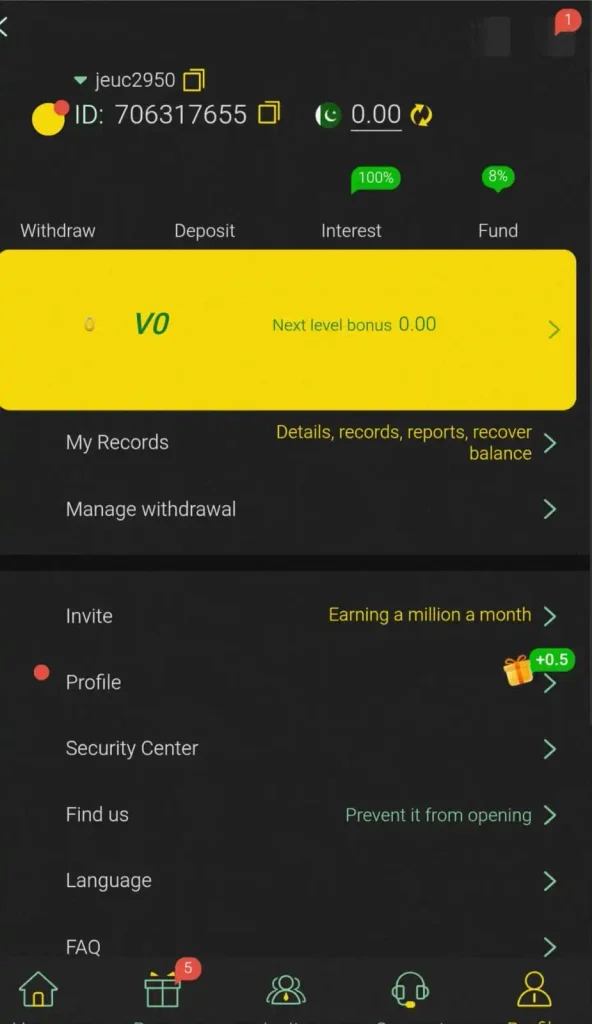
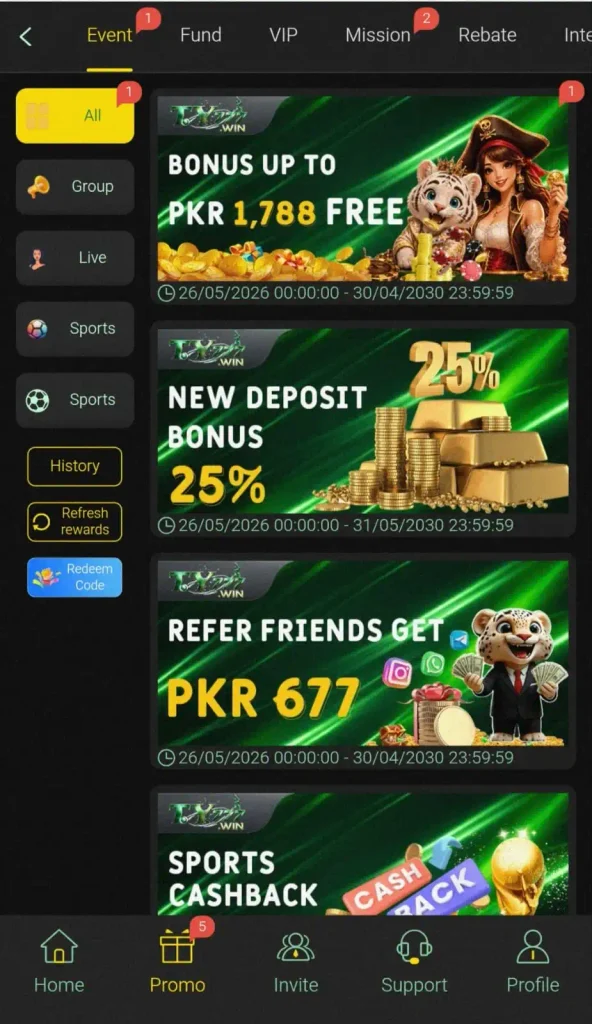
Applications described as casino, gaming, or earning platforms require additional scrutiny because they may involve financial transactions, account balances, or claims about rewards.
Before engaging with such a service, determine what it actually offers and whether its operator can be independently verified.
Check the Business and Its Rules
Look for the operator’s legal identity, terms of service, privacy policy, complaint process, and applicable licensing information. A logo or claim of being licensed is not proof of authorization.
Rules differ by jurisdiction. Users in Pakistan should check applicable local laws and relevant regulatory information before accessing services that involve real-money gambling or wagering.
Understand Financial Risks
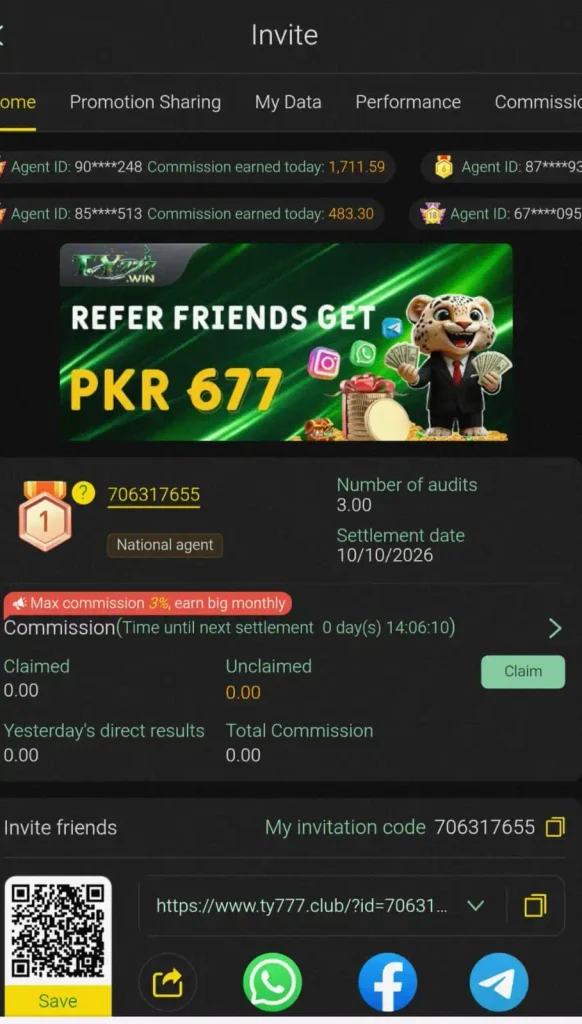
Do not assume that an application’s displayed balance represents money you can successfully withdraw. Any deposit, withdrawal, bonus, or referral conditions should be clearly documented and independently assessed.
Be particularly cautious of requests to pay additional fees to unlock supposed winnings, recover an account balance, or complete a withdrawal. Such requests can be a warning sign of fraud.
Separate Entertainment Claims From Evidence
Promotional descriptions may use terms such as fast payments, high rewards, or easy earnings. These statements should not be treated as verified outcomes without reliable evidence.
Never borrow money, disclose banking credentials, or risk essential funds based on promotional claims.
APK Files Compared With Official App Store Downloads
Both distribution methods can deliver Android applications, but the level of oversight and the installation process may differ.
| Factor | Official app store | Third-party APK |
|---|---|---|
| Distribution | Managed through the store | Provided by an external website or source |
| Installation | Generally straightforward | May require additional installation approval |
| Security checks | Store review and available protections | Depends heavily on the source and file |
| Updates | Often managed through the store | May require manual checking or updating |
| Publisher verification | Store provides publisher information | Must be evaluated carefully |
| Risk of counterfeit files | Possible, but store protections help | Greater uncertainty with unfamiliar sources |
Official app stores are not risk-free, and third-party files are not automatically malicious. However, unfamiliar APK sources require more independent verification and put more responsibility on the user.
What to Do if You Have Already Installed a Suspicious APK
If you suspect that an application is unsafe, take practical steps to reduce potential exposure.
- Stop entering passwords, payment details, or other sensitive information into the application.
- Review its permissions and revoke access that is unnecessary or suspicious.
- Run Google Play Protect or another reputable mobile security check.
- Uninstall the application if you cannot establish that it is trustworthy.
- From a trusted device, change any passwords you entered into the suspicious application, especially reused passwords.
- Review relevant account activity and contact your bank or payment provider if you notice unauthorized transactions.
- Keep Android updated and check for unfamiliar applications or unexpected device settings.
If an application has been granted Accessibility access, device administrator privileges, or other elevated permissions, you may need to revoke that access before uninstalling it. The exact steps depend on the Android version.
If suspicious activity continues after removal, seek assistance from your device manufacturer or a reputable technical support provider.
Frequently Asked Questions
1. What is an APK file?
An APK is an Android application package used to distribute and install software on Android devices. It contains the files needed for an application to be installed.
2. Is ty777.win game safe to install?
Its safety cannot be established from the name alone. Check the developer, source, permissions, security warnings, privacy policy, and independent evidence about the specific file before trusting it.
3. Can an APK damage an Android phone?
A malicious application may expose personal information, display deceptive content, misuse permissions, or interfere with normal device use. The risks depend on the application’s behavior and the access it receives.
4. Do all APK files work on Android devices?
No. Compatibility depends on the Android version, processor architecture, package format, and the application’s technical requirements.
5. Does HTTPS mean an APK is safe?
No. HTTPS helps protect data transmitted between your browser and a website, but it does not establish that the website operator is legitimate or that its files are harmless.
6. How can I check an APK for malware?
Start with a trustworthy download source, keep Google Play Protect enabled, review available security scans, and investigate the publisher and file integrity. No scanner can guarantee that every threat will be detected.
7. Why does Android block an APK installation?
Android may block an installation because of compatibility problems, package errors, security concerns, or restrictions on installing applications from a particular source. Read the warning and investigate the cause rather than automatically bypassing it.
8. Is it safe to allow every app permission?
No. Grant only permissions that are necessary and reasonably explained. Unrelated requests for contacts, location, camera, or accessibility access deserve particular scrutiny.
9. Can I use an APK without sharing personal information?
Some applications offer limited functionality without an account, but others require registration or collect technical information. Review the privacy policy and permissions, and avoid providing sensitive details when the need for them is unclear.
10. What should I do if an APK requests an unexpected payment?
Do not pay simply because the application claims that payment is necessary to release a balance, verify your account, or unlock a reward. Verify the service through an independently established official channel and contact your payment provider if you suspect fraud.
11. Should I disable Google Play Protect to install an APK?
Generally, no. Disabling a security feature to bypass a warning can increase your exposure to harmful applications. Investigate the warning and use a verified source instead.
12. How often should I review installed applications?
Review applications and their permissions periodically, particularly after major updates, unexpected behavior, or changes to your account security. Remove software you no longer use.
Conclusion
Understanding Android application files, compatibility requirements, app permissions, and mobile security practices helps users make more informed decisions about third-party software. Anyone researching ty777.win game should verify the specific application’s publisher and download source rather than relying on its name, promotional descriptions, or installation success.
Prioritize trusted distribution channels, updated device software, limited permissions, and strong account security. If an application’s identity, privacy practices, or financial terms cannot be independently verified, avoiding installation is safer than accepting unnecessary risks.