
888pkr Game: APK Safety, Download Guide, Android
4:11PM 10/7/2026
1mb-3mb
v1.1
Android and iOS
10M+

Description
Mobile applications distributed outside official app stores can raise important questions for Android users. Before installing any third-party application, it is important to understand how 8w game files work, whether the file is compatible with your device, what permissions it requests, and whether the source can be trusted. This guide explains these issues in simple language so beginners can make safer decisions when evaluating a mobile casino application.
The focus here is not on promising winnings or encouraging gambling. Instead, the goal is to explain the technical and security considerations surrounding third-party Android applications and APK files.

What Is an APK File?
APK stands for Android Package Kit. It is the file format Android uses to package and install applications.
An APK can contain the application’s:
- Program code
- Images and other resources
- Configuration information
- Required libraries
- Digital signing information
- Application permissions
When an application is downloaded from Google Play, the installation process is normally handled by the Play Store. When an application comes from another website or source, the user may receive an APK file directly.
This difference matters because an APK downloaded from an unknown source has not necessarily gone through the same distribution and review process as an application obtained through an official app store.
How Do Android Application Files Work?
An APK is similar to an installation package. Android reads the package and determines what application it contains, what permissions it requests, and whether it can be installed on the device.
The general process is:
- The APK file is downloaded.
- Android checks the package.
- The user is asked to approve installation when required.
- The application is installed.
- Android applies the application’s requested permissions and security restrictions.
- The application can then run if it is compatible with the device.
The exact experience can differ depending on the Android version, manufacturer, security settings, and source of the application.

Is a Third-Party APK Safe?
There is no simple answer based only on the application’s name. An APK can be safe, modified, outdated, misleading, or malicious depending on where it came from and what is inside it.
Before installing an unfamiliar application, consider these questions:
| Security question | Why it matters |
|---|---|
| Where did the APK come from? | Unknown websites can distribute modified files |
| Is the publisher identifiable? | A clear developer identity improves accountability |
| Does the app request excessive permissions? | Unnecessary access can create privacy risks |
| Is the file digitally signed? | Signing helps identify the publisher and package integrity |
| Is the APK current? | Older versions may contain known security problems |
| Does Android warn about the file? | Warnings should not be ignored |
| Does the website make unrealistic claims? | Aggressive claims can indicate unreliable services |
A familiar-looking application name does not prove that the file is genuine.
What Should You Check Before Installing an APK?
A few checks can significantly reduce unnecessary risk.
1. Check the Download Source
Avoid treating search-engine results as proof that a website is trustworthy. Look at the reputation and identity of the source instead.
Be particularly cautious with websites that:
- Use misleading download buttons
- Redirect repeatedly
- Display excessive pop-ups
- Ask you to install several unrelated applications
- Claim guaranteed financial returns
- Hide information about the developer
- Provide modified versions without explaining what was changed
2. Check the Developer
A legitimate application should have some identifiable publisher or developer information.
Compare the developer name, application name, official website, and other available information. Differences between these details can be a warning sign.
3. Review App Permissions
Permissions determine what an application can access or use on your device.
Examples include:
- Camera
- Microphone
- Contacts
- Location
- Storage or photos
- Notifications
- Network access
A permission is not automatically dangerous. The important question is whether the requested access makes sense for the application’s function.
For example, an application that has no obvious reason to access your contacts deserves additional scrutiny if it requests contact information.
4. Check the File Before Installation
Do not open an APK simply because the filename looks familiar.
Security-conscious users can examine the file with reputable security software and, where appropriate, compare its cryptographic hash with a value published by the legitimate developer.
A hash is a mathematical fingerprint of a file. If the file changes, its hash normally changes too.
5. Keep Android Updated
Security problems can exist at both the application and operating-system level.
Keeping Android and security components updated helps protect against vulnerabilities that have already been addressed by the manufacturer.
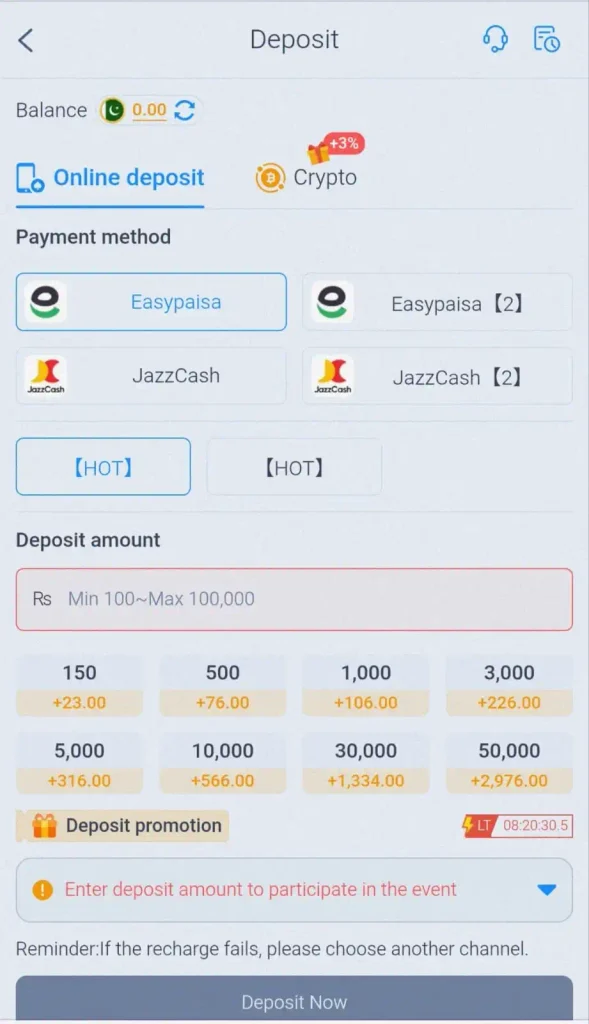
APK Installation Guide: What Android Users Should Understand
Android may restrict installations from sources outside official app stores. The exact settings differ between Android versions and device manufacturers.
If you decide to install a third-party APK, understand what you are authorizing before proceeding.
A general installation process looks like this:
- Obtain the APK from a source you have independently evaluated.
- Check the filename and file type.
- Scan the file using appropriate security software.
- Review Android’s security warnings.
- Review the application’s requested permissions.
- Install only if you understand and accept the risks.
- Open the application and monitor its behavior.
- Remove the application if it behaves unexpectedly.
Do not disable important security protections simply because an application refuses to install.
Android Compatibility: Will Every APK Work?
No. An APK may not work correctly on every Android device.
Compatibility can depend on:
- Android version
- Processor architecture
- Screen size
- Available storage
- RAM
- Required Android libraries
- Application version
- Device manufacturer
- Regional restrictions
A newer application may require a newer Android version. Conversely, an old APK may fail because it was designed for outdated Android components.
Common Compatibility Problems
| Problem | Possible reason |
|---|---|
| Installation fails | Unsupported Android version or architecture |
| App crashes | Software incompatibility or application bug |
| Blank screen | Network, graphics, or compatibility issue |
| Slow performance | Limited RAM or device resources |
| Features unavailable | Regional or server-side restrictions |
| Application closes immediately | Corrupted package or incompatible software |
Installing an APK does not guarantee that the application will operate properly.
App Performance and Device Resources
An application can technically install while still performing poorly.
Performance may be affected by:
- RAM usage
- Processor workload
- Storage space
- Internet connection
- Background applications
- Application optimization
- Server performance
If an unfamiliar application makes a device unusually hot, causes repeated crashes, consumes excessive battery, or generates unexpected network activity, stop using it and investigate before continuing.
Mobile App Security and Personal Information
Privacy is one of the most important considerations when using third-party applications.
Avoid entering sensitive information into an unfamiliar application unless you have independently established that the service is legitimate and has an appropriate privacy policy.
Sensitive information can include:
- Passwords
- Banking credentials
- Payment information
- Identification documents
- One-time verification codes
- Personal contact information
Never share a verification code with another person simply because an application or website asks for it.
Use unique passwords and enable multi-factor authentication on important accounts whenever the service supports it.
How to Review App Permissions
Android provides permission controls that can help users limit application access.
After installation, review which permissions have been granted and whether they are necessary.
A simple way to evaluate permissions is to ask:
Does the application actually need this access to perform its stated function?
If the answer is unclear, investigate further.
You should also periodically review permissions for applications you no longer use. Removing an unnecessary application is often safer than leaving an unknown program installed indefinitely.
Safe Downloading Practices
Safer downloading starts before the file reaches your phone.
Follow these basic practices:
- Use official app stores whenever the application is available there.
- Verify the developer before downloading.
- Avoid suspicious shortened links.
- Do not download files from unsolicited messages.
- Be cautious with websites promising guaranteed money.
- Check the application’s privacy information.
- Scan unfamiliar files where appropriate.
- Keep Android updated.
- Maintain backups of important information.
- Avoid installing modified or “unlocked” versions from unknown sources.
A website having a professional design does not prove that its files are safe.
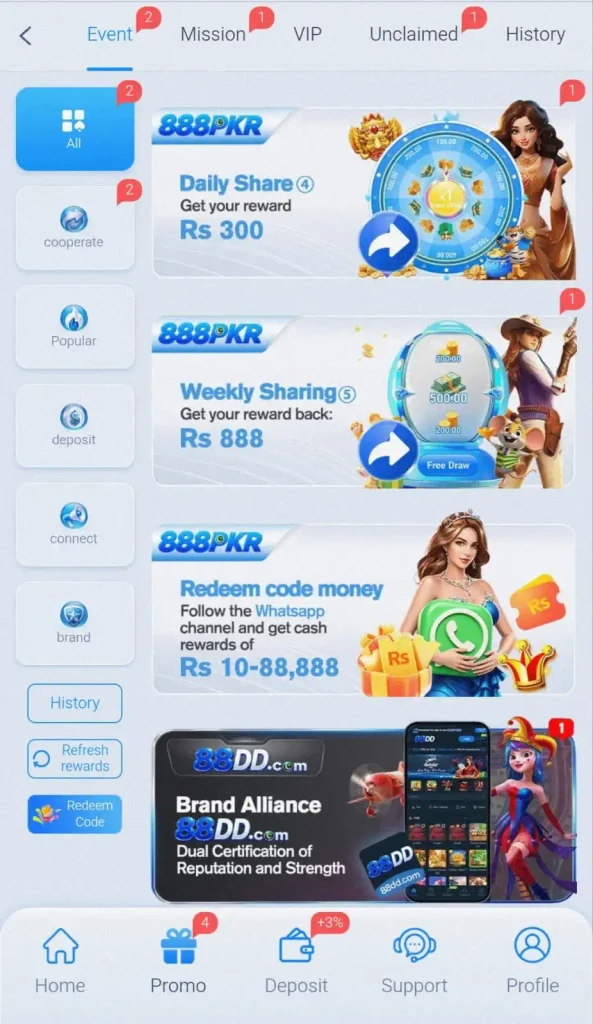
Official Stores vs. Third-Party APK Sources
| Factor | Official app store | Third-party APK source |
|---|---|---|
| Installation | Usually straightforward | May require additional steps |
| Publisher information | Generally structured | May be incomplete |
| Security screening | Store-level security systems may apply | Depends heavily on the source |
| Updates | Usually automatic or centralized | Often manual |
| Risk of modified packages | Lower, although not zero | Potentially higher |
| User responsibility | Lower | Higher |
This does not mean every third-party APK is malicious. It means users generally need to perform more verification themselves.
Warning Signs You Should Not Ignore
Certain behaviors should make you reconsider using an application.
Be cautious if an application:
- Requests unrelated permissions
- Opens unexpected websites
- Displays aggressive advertisements
- Installs additional software without clear consent
- Sends unusual notifications
- Requests sensitive information unnecessarily
- Makes guaranteed-income claims
- Prevents normal removal
- Causes unusual battery or data usage
- Triggers repeated security warnings
If several of these occur together, uninstalling the application and checking the device for security issues is a reasonable precaution.
What About Payments and Financial Information?
Mobile casino applications can involve financial transactions, which introduces additional risks.
Before providing payment information, users should independently verify:
- Who operates the service
- What payment methods are supported
- Whether transaction terms are clearly explained
- Whether fees are disclosed
- How personal information is handled
- What happens when an account is closed
- Whether the service is legally permitted in the user’s jurisdiction
Do not assume that an application is legitimate merely because it displays payment logos or claims to support familiar financial services.
Users should also understand the gambling laws and age restrictions applicable to them. Gambling can result in financial loss, and no application can legitimately guarantee a profit.
How to Protect Your Android Device
A few basic habits provide useful protection:
Keep Software Updated
Install security updates and Android updates when they become available.
Use a Screen Lock
A strong PIN, password, or supported biometric protection can reduce unauthorized access to your device.
Install Fewer Unknown Applications
Every additional application can increase the potential attack surface of a device. Remove applications you no longer need.
Review Account Activity
If you entered sensitive information into an unfamiliar service, monitor relevant accounts for unusual activity.
Back Up Important Files
Keep copies of important documents and photographs so they are not lost if something goes wrong with the device.
What to Do If an APK Seems Suspicious
If you suspect that an installed application is unsafe:
- Stop using the application.
- Disconnect from sensitive accounts if necessary.
- Uninstall the suspicious application.
- Run a reputable security scan.
- Review recently installed applications.
- Change important passwords if you entered them into the suspicious app.
- Monitor financial accounts if payment information was provided.
- Seek professional technical assistance if unusual behavior continues.
If you believe financial or account information has been exposed, contact the relevant financial institution or service provider through its official contact channel.
Beginner Checklist Before Installing Any APK
Use this checklist before making a decision:
| Check | What to look for |
|---|---|
| Source | Is the download source identifiable? |
| Developer | Can the publisher be verified? |
| Android version | Does your device meet the requirements? |
| Permissions | Are requested permissions reasonable? |
| Privacy | Is there a clear privacy policy? |
| Security | Has the file been checked? |
| Updates | Is the application maintained? |
| Reputation | Are there credible independent reports? |
| Payments | Are transaction terms transparent? |
| Legal status | Is the service permitted where you live? |
If you cannot answer several of these questions, installing the application may not be worth the risk.
Frequently Asked Questions
What does APK mean?
APK means Android Package Kit. It is the package format used to distribute and install Android applications.
Is every APK dangerous?
No. APK files are a normal Android application format. However, APKs obtained from unknown or unverified sources can carry additional security and privacy risks.
Can an APK damage an Android phone?
A malicious application can potentially cause security or privacy problems. The risk depends on what the application contains, what permissions it receives, and how the device is configured.
Why does Android warn me about an APK?
Android may display warnings when an application comes from an unfamiliar source or presents a potential security concern. Such warnings should be investigated rather than automatically ignored.
Can I trust an APK because the website looks professional?
No. Website appearance is not sufficient evidence of application safety. Verify the publisher, file integrity, permissions, reputation, and other available information.
Why does an APK install but then crash?
Possible causes include incompatible Android versions, unsupported processor architecture, corrupted files, application bugs, or server-side problems.
Should I give an unfamiliar application access to my contacts?
Not unless that access is clearly necessary and you trust the application. Unnecessary permissions can create avoidable privacy risks.
Can I protect my personal information while using third-party apps?
Yes. Limit permissions, use unique passwords, enable multi-factor authentication, avoid sharing verification codes, keep your device updated, and avoid entering sensitive information into services you have not independently verified.
Are third-party APKs better than official app-store versions?
Not necessarily. Official app stores generally provide a more controlled distribution process, while third-party APKs require users to take greater responsibility for checking the source and file.
What is the safest approach for beginners?
For most users, the safest approach is to obtain applications from reputable official stores whenever possible. If a third-party APK is unavoidable, verify its source, developer, permissions, compatibility, and security before installation.
Final Takeaway
Understanding APK files is useful, but the filename alone tells you very little about whether an application is trustworthy. Android users should evaluate the source, developer, permissions, compatibility, privacy practices, and security warnings before installing unfamiliar software.
The most important principle is simple: do not install an application merely because it promises access to a particular service or claims to offer financial benefits. Verify what you are installing first. Careful downloading practices and basic mobile security habits can reduce many of the risks associated with third-party applications.