999q Game APK: Complete Android Guide, Features, Compatibili
12:9pm 10/8/2026
2mb
v2.3
Android / iOS
5m

Description
If you are researching 999q game, it is important to understand how APK-based mobile casino applications work before installing any third-party software. An pk6 game is an Android application package, but downloading an APK from outside an official app store can create security, privacy, and compatibility risks. This Android APK guide explains the main things beginners should check, including device compatibility, app features, installation requirements, security verification, common problems, and safer alternatives.
The goal is not simply to install an application. Users should first determine whether the software is trustworthy, compatible with their smartphone, and appropriate for their location and age.
What Is an APK File?
APK stands for Android Package Kit. It is the file format Android uses to distribute and install applications.
Apps downloaded through official Android marketplaces are normally installed automatically. With a third-party APK, the user may receive the application file separately and the Android device must verify and install it.
An APK can contain:
- Application code
- Images and other resources
- Configuration files
- Permissions
- Digital signing information
- Other components required for the application to operate
An APK itself is not proof that an application is safe. A modified or malicious APK can look similar to a legitimate application.
How APK-Based Mobile Applications Work
An APK generally works as a packaged Android application. Once installed, it communicates with the Android operating system and uses the permissions granted by the user.
Depending on the application, permissions may involve:
- Internet access
- Notifications
- Storage or media access
- Device information
- Network connections
Users should pay attention to permissions because an application requesting access unrelated to its basic function may deserve additional investigation.
Official Apps vs Third-Party APKs
There is an important difference between an application obtained through an official store and one downloaded from an unknown website.
| Factor | Official Store | Third-Party APK |
|---|---|---|
| Source verification | Usually stronger | Depends on the website |
| Automatic updates | Common | May require manual updates |
| Malware screening | Store-level protections may exist | User must perform additional checks |
| Developer identity | Usually visible | May be unclear |
| Installation | Generally simple | May require additional settings |
| Risk level | Not risk-free | Potentially higher |
Neither method guarantees complete security, but third-party APKs require more caution.
Android Device Compatibility
Before installing any APK, check whether the application is compatible with your smartphone.
Android Version
Different applications require different Android versions. An APK designed for an older Android release may not work correctly on a newer device, while an application requiring newer system components may fail on an older phone.
Check:
- Android version
- Required minimum Android version
- Processor architecture
- Available storage
- RAM
- Screen resolution
- Required system services
Storage Requirements
An APK may appear small while requiring additional storage after installation.
Leave enough free space for:
- The APK file
- Application data
- Temporary files
- Future updates
- Android system operations
Low storage can cause failed installations or crashes.
Smartphone Performance
A modern smartphone is not automatically compatible with every application. Performance depends on the software’s optimization and the phone’s hardware.
Older devices may experience:
- Slow loading
- Application crashes
- Delayed responses
- Excessive battery consumption
- Compatibility warnings
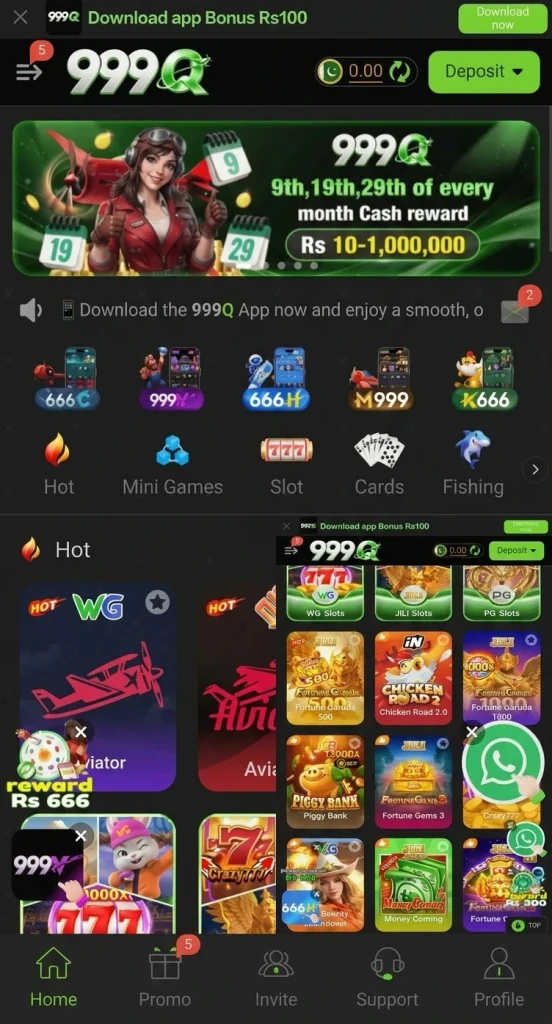
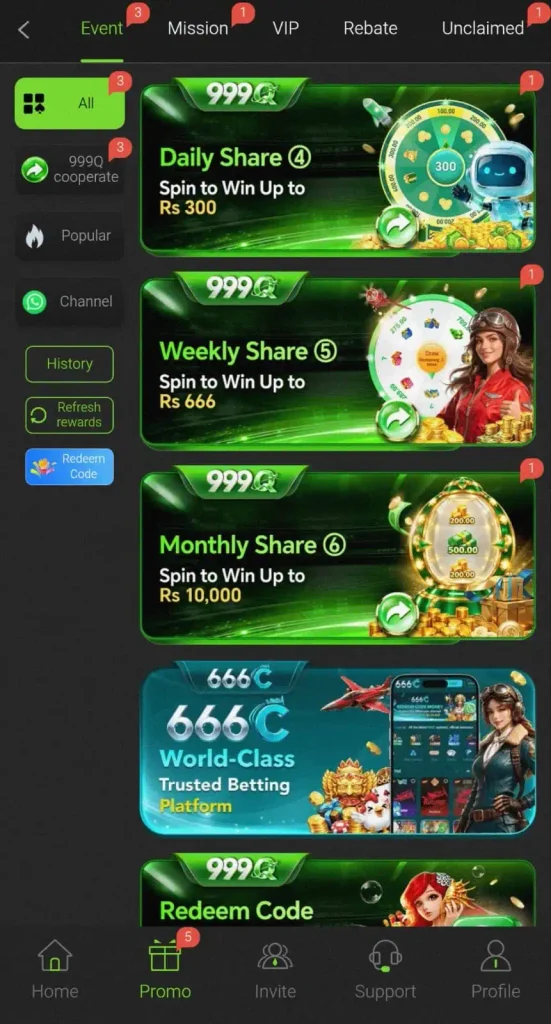
Common Features in Mobile Casino Applications
Mobile casino applications can contain different types of entertainment features. The exact selection varies between applications and regions.

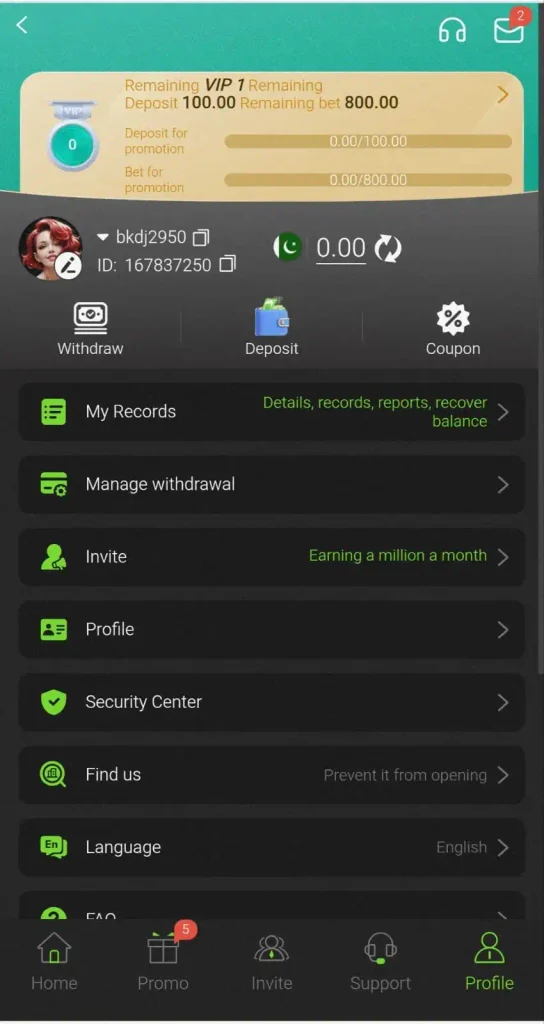
Common categories may include:
- Game menus
- Account sections
- User dashboards
- Notifications
- Help or support pages
- Settings
- Transaction-related sections
- Promotional information
Feature lists should not be treated as evidence that an application is trustworthy. A polished interface can still belong to an unsafe or misleading application.
User Interface and Experience
A good mobile interface should make basic navigation understandable without unnecessary complexity.
Look for:
Clear Navigation
Important sections should be easy to identify. Menus should not contain confusing redirects or excessive pop-ups.
Readable Information
Text, buttons, and warnings should be visible on different screen sizes.
Consistent Design
Unexpected changes in design, unexplained advertisements, or repeated redirects can be warning signs.
Transparent Support
A legitimate service should clearly explain how users can contact support and where its terms and policies can be found.
APK File Installation: Important Requirements
Installing a third-party APK requires additional caution compared with downloading an application from an official marketplace.
Before considering APK file installation, verify:
- The original source of the file.
- The developer or publisher identity.
- The application’s requested permissions.
- The Android version required.
- Whether the file has been digitally signed.
- Whether reputable security tools identify the file as suspicious.
- Whether the application is legally available in your location.
- Whether its terms clearly explain how user information is handled.
Avoid APK files distributed through suspicious advertisements, unsolicited messages, pop-ups, or unknown file-sharing pages.
Mobile App Security: What Should You Check?
Security should be considered before installation rather than after something goes wrong.
1. Verify the Source
The source matters. An APK obtained from an unknown website has fewer trust signals than software distributed through a recognized platform.
2. Check the Developer
Look for consistent developer information across the application’s website, store listings, privacy documentation, and support pages.
Be cautious if:
- The developer cannot be identified.
- Contact information appears copied.
- Several unrelated websites claim to be the official source.
- The application’s branding changes between pages.
3. Review Permissions
Ask whether every requested permission is necessary.
For example, an application that primarily provides entertainment should have a reasonable explanation for requesting sensitive device access.
4. Scan the File
A reputable mobile security product can provide another layer of protection by checking downloaded files.
However, a clean scan does not prove that an application is trustworthy. Security tools can miss new or disguised threats.
5. Check for Tampering
Modified APKs can contain unwanted software. Avoid files described as:
- “Unlimited”
- “Modified”
- “Hacked”
- “Unlocked”
- “Premium free”
Such descriptions can indicate that the original software has been altered.
Signs of a Suspicious APK
Stop and investigate if you notice several of these warning signs:
- The download page has aggressive pop-ups.
- The application requests unusual permissions.
- The developer cannot be verified.
- The file comes from an unknown source.
- The application asks for sensitive information without a clear reason.
- The website makes unrealistic financial promises.
- Privacy information is missing or extremely vague.
- The APK has been modified by an unknown party.
- The application repeatedly redirects to unrelated websites.
A professional-looking website is not enough to establish trust.
Common APK Installation Problems
Even a legitimate APK may fail to install because of technical issues.
“App Not Installed”
Possible causes include:
- Insufficient storage
- Incompatible Android version
- Conflicting application package
- Damaged APK file
- Unsupported device architecture
- Existing version conflicts
Application Crashes
Crashes may result from:
- Outdated Android components
- Poor application optimization
- Insufficient memory
- Server problems
- Incompatible device software
Network Problems
Applications requiring an internet connection may fail when:
- The connection is unstable.
- The service is unavailable.
- The server is overloaded.
- The application version is outdated.
Update Problems
Third-party applications may not receive automatic updates. This creates another security concern because users may continue running an outdated version containing known vulnerabilities.
How to Think About APK Verification
APK verification should involve several checks rather than relying on one signal.
A useful checklist is:
Source → Developer → Permissions → File integrity → Security scan → Privacy policy → Device compatibility
If several parts of this chain cannot be verified, installing the application may not be worth the risk.
Privacy and Personal Information
Casino-related applications can involve sensitive account or transaction information. Users should therefore read the privacy policy before entering personal information.
Pay attention to whether the policy explains:
- What information is collected
- Why it is collected
- How long information is retained
- Whether information is shared with third parties
- How users can request information about their data
- How account information is protected
Never provide passwords, authentication codes, or financial credentials to an unverified application.
Legal and Age Considerations
The availability and legality of online gambling services can differ by country and jurisdiction.
Before using any gambling-related service, users should check the laws that apply where they live.
Age restrictions also matter. Gambling services are generally intended only for adults who meet the applicable legal age requirements. Anyone below the legal gambling age should not use these services.
Safer Alternatives to Unknown APKs
If your primary goal is to explore mobile gaming rather than gambling, consider safer alternatives such as:
- Games distributed through established app stores
- Free-to-play games without real-money gambling
- Offline puzzle and strategy games
- Educational mobile applications
- Open-source Android projects from reputable developers
Official distribution channels generally provide stronger mechanisms for application review, updates, and developer accountability.
Third-Party APK vs Official App Store
| Consideration | Official Store | Unknown APK Website |
|---|---|---|
| Developer verification | Usually available | May be unclear |
| Updates | Often automatic | Frequently manual |
| Security screening | Platform protections | Depends on user |
| File authenticity | Easier to establish | More difficult |
| Privacy information | Usually structured | May be missing |
| Risk management | Easier | Requires more research |
For most users, an official distribution channel is preferable when an application is legitimately available there.
Beginner Android APK Safety Checklist
Before installing any third-party application, ask:
- Is the source trustworthy?
- Can I identify the developer?
- Does the APK match the developer’s published version?
- Are the requested permissions reasonable?
- Has the file been checked with reputable security software?
- Is the privacy policy available?
- Is my Android version supported?
- Does my phone have enough storage?
- Is the application legal and age-appropriate where I live?
- Do I actually need this application?
If you cannot answer several of these questions, do not rush into installation.
Frequently Asked Questions
Is an APK file safe?
An APK file can be safe, but the file format itself does not guarantee safety. Security depends on the source, developer, software contents, permissions, and whether the file has been modified.
Can an APK damage an Android phone?
A malicious APK can potentially compromise privacy or device security. This is why users should verify third-party software before installing it.
How can I check APK compatibility?
Check the application’s required Android version, processor architecture, storage requirements, and other technical requirements against your phone’s specifications.
Why does an APK say “App Not Installed”?
The problem can be caused by insufficient storage, incompatible Android software, a corrupted file, package conflicts, or unsupported hardware.
Should I install a modified APK?
Modified APKs from unknown sources carry additional risk because users cannot easily determine what changes were made to the original application.
How do I verify an Android APK?
Use multiple checks, including the original source, developer identity, file integrity, permissions, security scanning, privacy documentation, and application version.
Are third-party APKs better than official applications?
Not necessarily. Third-party APKs can sometimes provide software unavailable through a particular store, but they also introduce additional security and verification concerns.
What should I do if an APK requests unusual permissions?
Do not automatically approve the request. Investigate why the permission is needed and consider avoiding the application if the explanation is unclear.
Can old Android phones run newer APKs?
Not always. New applications may require newer Android versions, hardware capabilities, or system components that older phones do not support.
Is mobile casino software legal everywhere?
No. Gambling laws and age requirements differ between jurisdictions. Users should check the rules applicable to their location before using gambling-related services.
Final Thoughts
Understanding APK files is more useful than simply knowing how to download them. A responsible Android user should evaluate the source, developer, permissions, file integrity, privacy practices, compatibility, and legal considerations before installing third-party software.
For beginners, the safest approach is to prefer reputable distribution channels, keep Android and security software updated, and avoid applications that make unrealistic claims or cannot provide clear information about their publisher.
When evaluating any mobile casino application, treat security and legality as more important than the number of advertised features. A familiar name, attractive interface, or promising download page does not automatically make an application trustworthy.